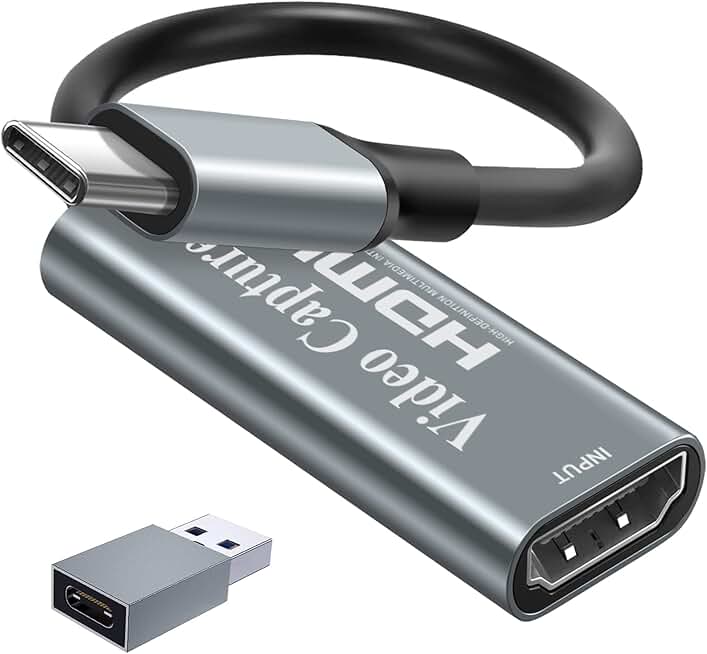
When shopping for a capture card for MMO streaming, focus on these key specs and features:
Resolution and Frame Rate: Most MMO streamers target 1080p at 60fps—that's the sweet spot for Twitch bitrate limits and viewer experience. If you're streaming to a powerful PC or want archive quality, 4K capture matters, but it demands higher bandwidth and processing power. Check whether the card captures at your target resolution or just passes it through to your display.
Passthrough and Loop-Out: This feature lets you see your game on your monitor in real-time while the capture card records a separate stream. Essential for MMO gameplay—you can't raid blind. Look for low-latency passthrough (under 60ms) to avoid input lag that ruins PvP.
Latency: Streaming latency (the delay between your action and what viewers see) is different from capture latency. For MMO, you want sub-100ms capture latency so your chat can react meaningfully to what you're doing. Check reviews for real-world latency measurements, not just marketing claims.
Connectivity: USB 3.0 is the minimum for 1080p60 capture. USB 3.1 or Thunderbolt 3 handles 4K without choking. If you're using a laptop, USB-C options reduce cable clutter. Make sure your PC or Mac actually has the ports you need.
Compatibility: Verify the card works with your specific console (PS5, Xbox Series X/S, Switch) and streaming software (OBS, Streamlabs, XSplit). Some budget cards have driver issues on certain systems—read recent reviews before buying.
Audio Pass-Through: MMO requires crystal-clear game audio plus your voice comms. Confirm the card handles both HDMI audio and separate mic input, or plan to mix audio externally.
Red Flags: Avoid cards with no passthrough if you're streaming live—you'll be playing blind. Skip anything with inconsistent driver support or reviews mentioning crashes during long streams. Budget cards under $15 often have reliability issues; if you're streaming for income, spend the extra $10-15 for stability.