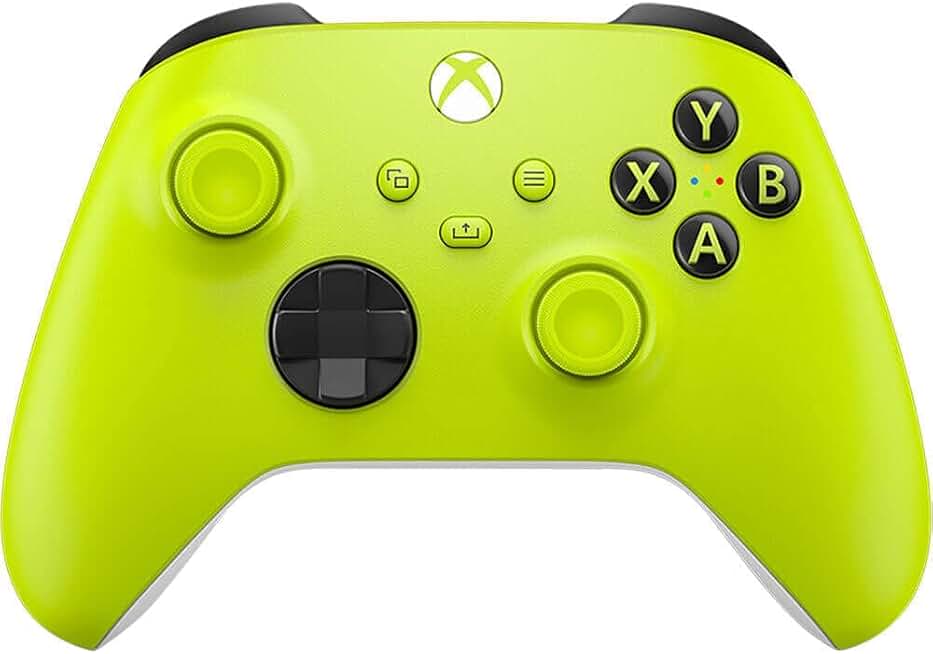
When shopping for a gaming controller for Mac, keep these specs and features in mind:
Connectivity & Compatibility: Wireless is standard now, but check if the controller supports Bluetooth 5.0 or higher for stable connections. Some controllers require a USB dongle; others pair directly to macOS. Look for explicit Mac support in the product description—not all controllers work flawlessly with Apple's OS.
Trigger & Stick Technology: Hall Effect joysticks and triggers are the gold standard. They use magnetic sensors instead of potentiometers, so they last longer and resist drift. If you play competitive shooters or fighting games, this matters. Standard analog sticks are cheaper but wear out faster.
Polling Rate: For wireless controllers, 1000 Hz polling rate (1 ms response time) is ideal for fast-paced games. Lower polling rates (125 Hz) are fine for slower, story-driven titles.
Button Layout: Xbox-style (asymmetrical sticks) suits most players, but PlayStation-style (symmetrical sticks) works better if you grew up on Sony. Some controllers let you remap buttons through software.
Haptic Feedback & Adaptive Triggers: Premium controllers like the DualSense offer advanced haptic feedback and pressure-sensitive triggers. These features are amazing in supported games but require native implementation—many Mac games don't support them yet.
Weight & Ergonomics: Controllers range from lightweight (150g) to hefty (200g+). Smaller hands might struggle with oversized grips; larger hands may feel cramped on compact designs. Check user reviews for hand-size feedback.
Red Flags: Avoid controllers with no recent reviews, vague Mac compatibility claims, or reports of stick drift within months. Also skip anything requiring outdated drivers or third-party software that hasn't been updated recently.