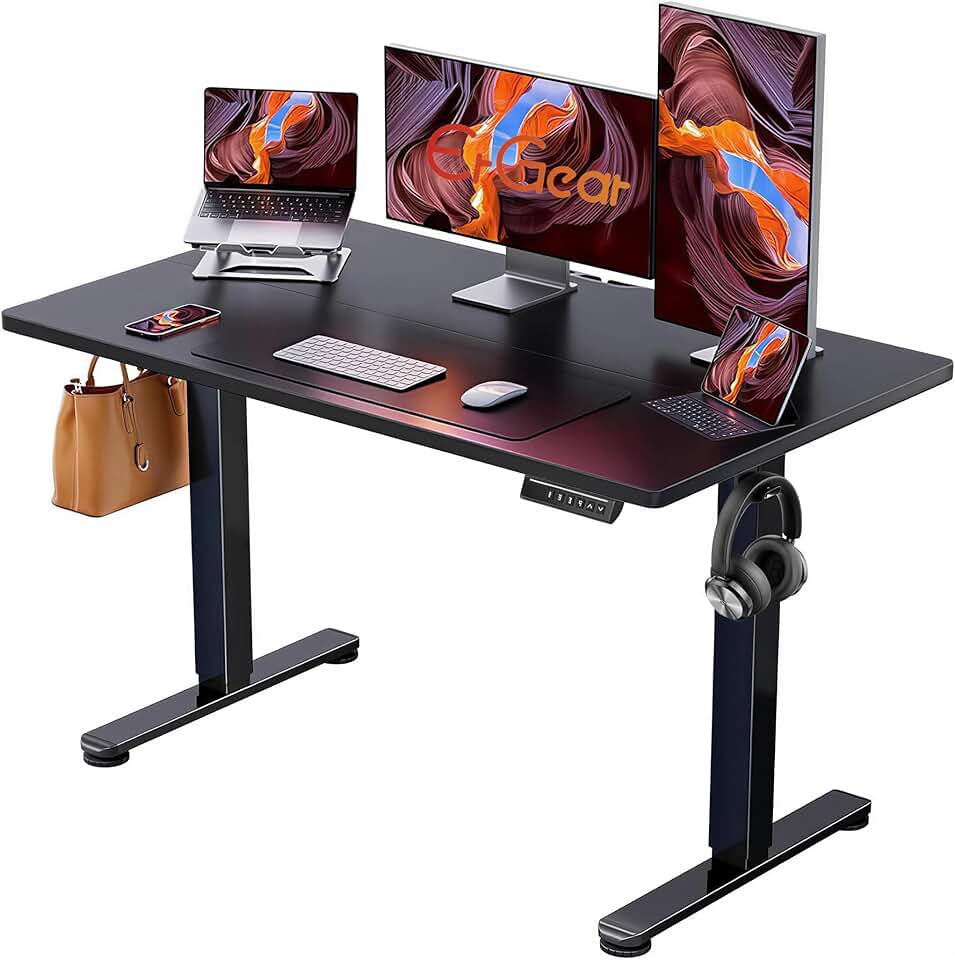
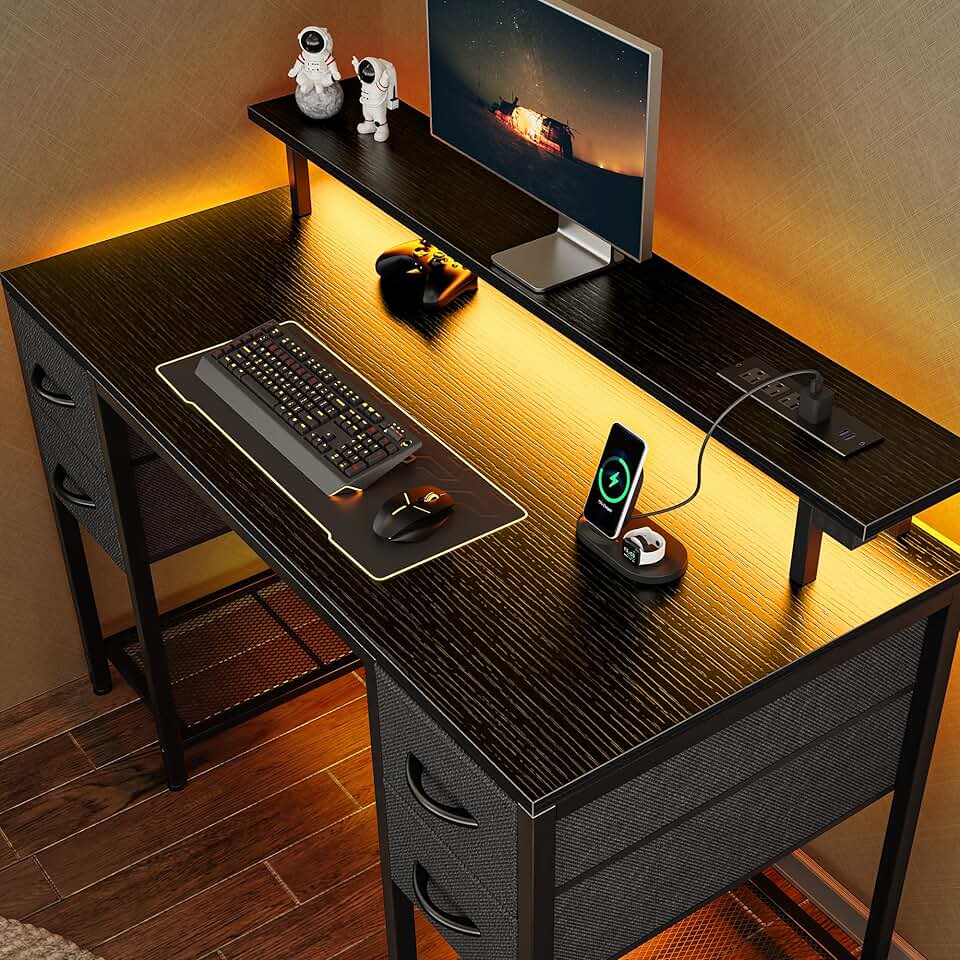
When shopping for a gaming desk that doubles as office furniture, focus on these key factors:
Size and Layout
Measure your space first. Standard desks run 47–66 inches wide; L-shaped models give you more surface area for dual monitors and office supplies. Corner desks maximize small rooms but require careful positioning. If you work from home full-time, aim for at least 48 inches of linear workspace to avoid cramped video calls.
Stability and Materials
Metal frames outlast particleboard in the long run, especially if you're moving the desk or mounting heavy monitors. Look for desks rated for at least 110 lbs of weight capacity. Thick desktop materials (at least 1.5 inches) prevent sagging under monitor arms and keyboard trays.
Height and Adjustability
Standard fixed desks are 28–30 inches tall. If you spend 8+ hours working, consider an electric height-adjustable model—they let you switch between sitting and standing without breaking the bank. Manual crank desks are cheaper but slower to adjust throughout the day.
Cable Management and Power
Built-in power outlets and cable trays keep your workspace organized and reduce clutter during video meetings. This is non-negotiable if you're juggling work equipment and gaming peripherals.
Ergonomics
Pair your desk with a supportive chair and lumbar pillow. A desk alone won't fix poor posture; the combination of height, surface depth, and seating matters. Desks with monitor stands or cable routing help position screens at eye level.
Budget Reality
You don't need to spend $500+ for a quality gaming desk that works in an office. Solid options exist under $110, but expect fewer features (no adjustability, basic storage). Mid-range ($80–$150) gives you the best balance of durability and functionality.