When shopping for gaming accessories for left-handed gamers, a few key factors separate great gear from wasted money.
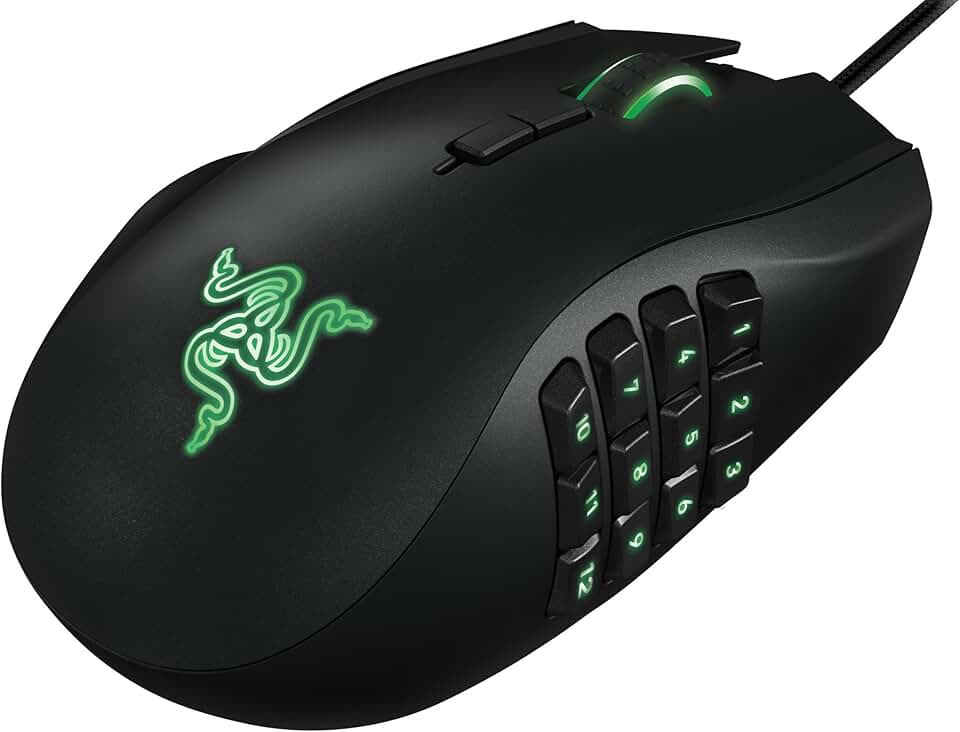
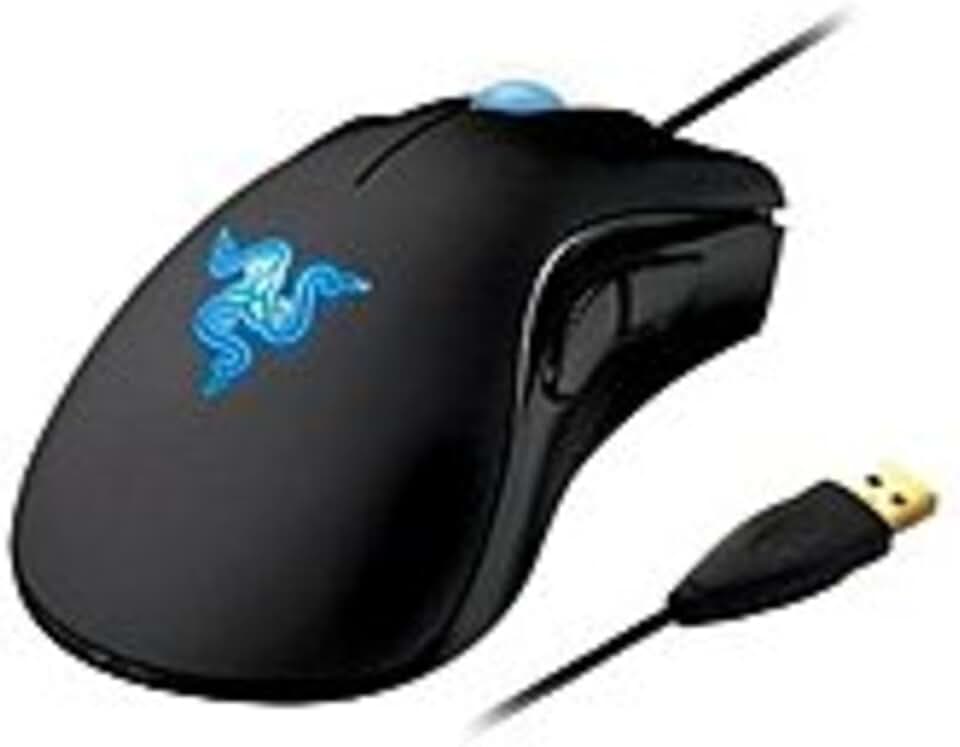
Mouse Design & Button Placement: The most critical factor is whether the mouse is truly designed for left-handed use, not just ambidextrous. Left-handed gaming mice should have thumb buttons on the left side, not mirrored on both sides. Check DPI range (3,500–8,200 is standard for esports), polling rate (1,000Hz is ideal), and whether the mouse fits your grip style—palm, claw, or fingertip. Avoid mice marketed as "ambidextrous" if they're actually right-handed with a flat profile.
Ergonomics & Hand Size: Left-handed mice come in different sizes. If you have smaller hands, look for compact designs under 120mm. Larger hands need mice 130mm+. The curve should support your natural left-hand position without forcing your wrist into an unnatural angle. Sweaty palms? Textured side grips and ventilated designs matter more than you'd think.
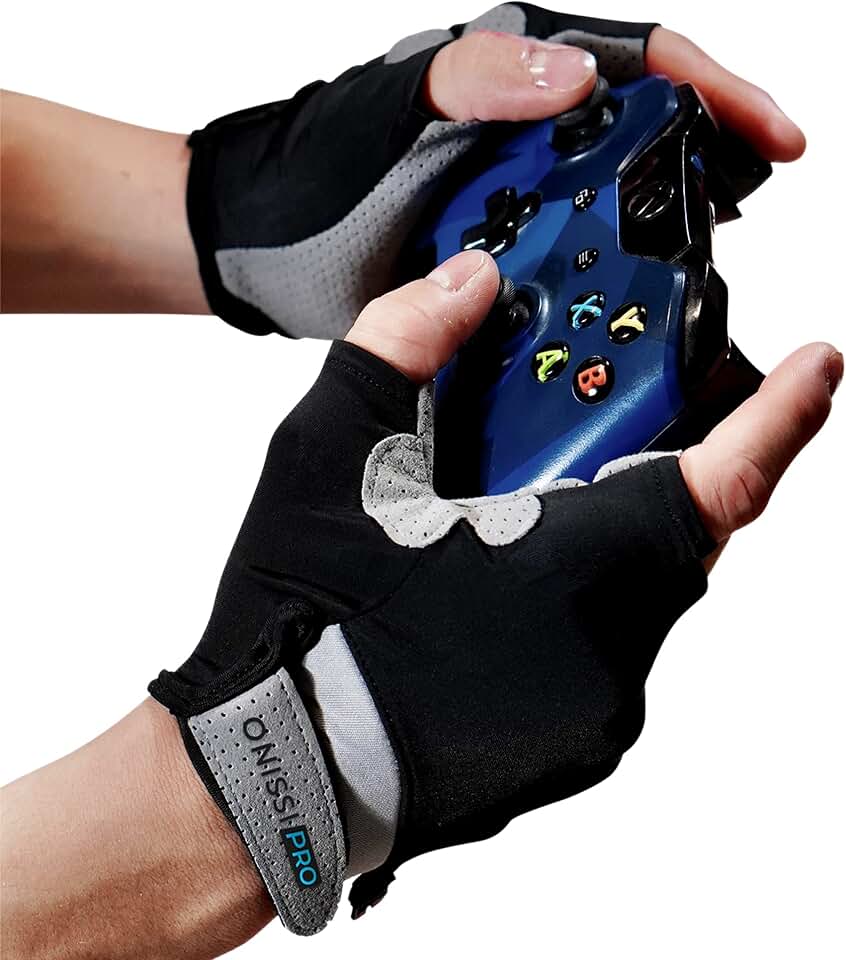
Glove Fit & Material: Gaming gloves for left-handed players should have reinforced grip on the palm and fingers, not generic padding. Look for moisture-wicking fabrics (nylon blends work best) and full-finger designs if you want precision. Half-gloves sacrifice some grip but improve feel. Check reviews specifically mentioning fit and sweat management.
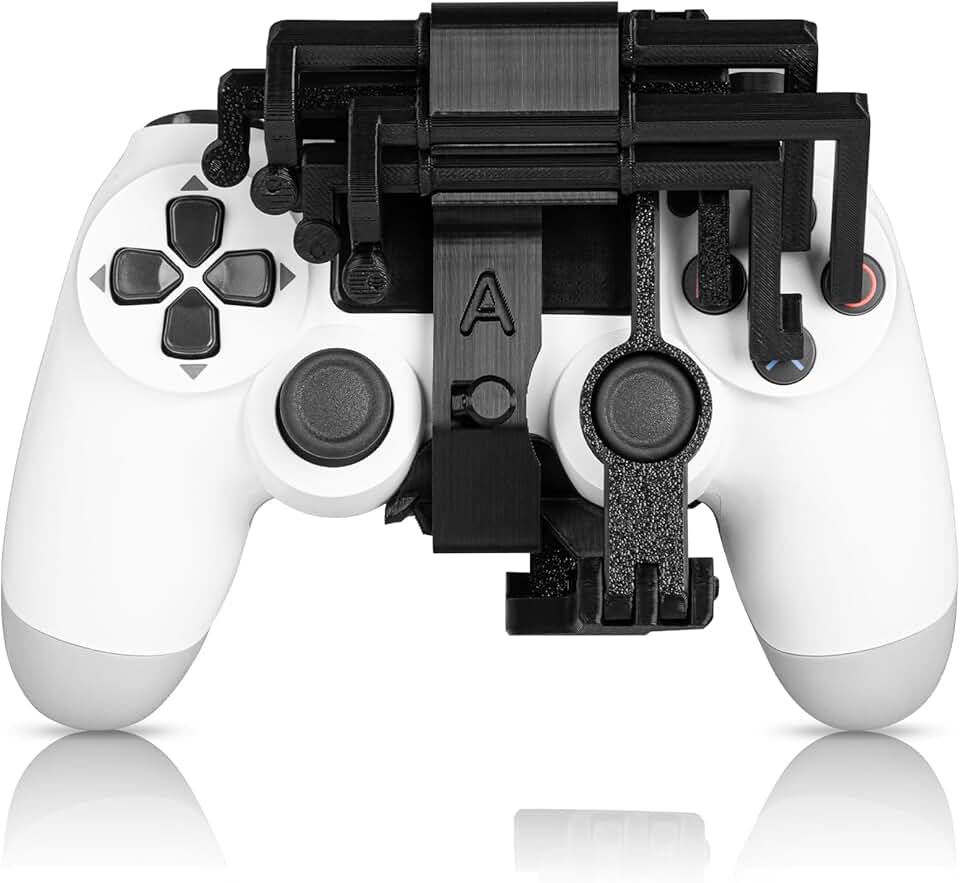
Adapter Compatibility: If you're using one-handed controllers or adaptive accessories, verify they work with your console or PC. Leg straps should be adjustable, and weight matters if you're holding the device for hours.
Switch Type & Durability: For mice, optical switches (faster, more durable) beat mechanical switches. Aim for 50+ million click lifespan. For gloves, reinforced stitching at stress points prevents premature wear.
Don't assume "works for both hands" means it's equally good for left-handed use. Read reviews from actual left-handed gamers—they'll catch design flaws marketing won't mention.