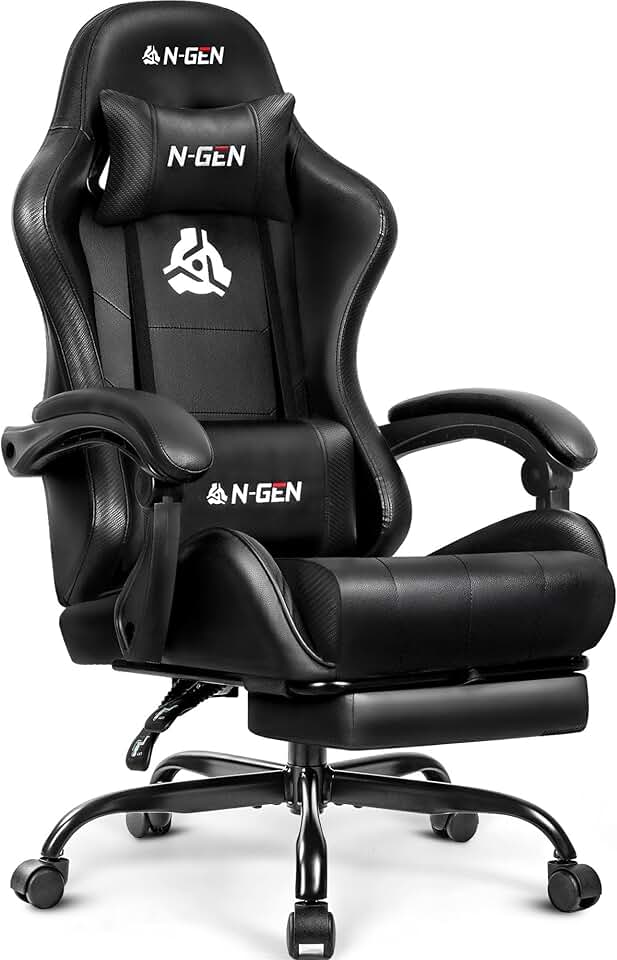
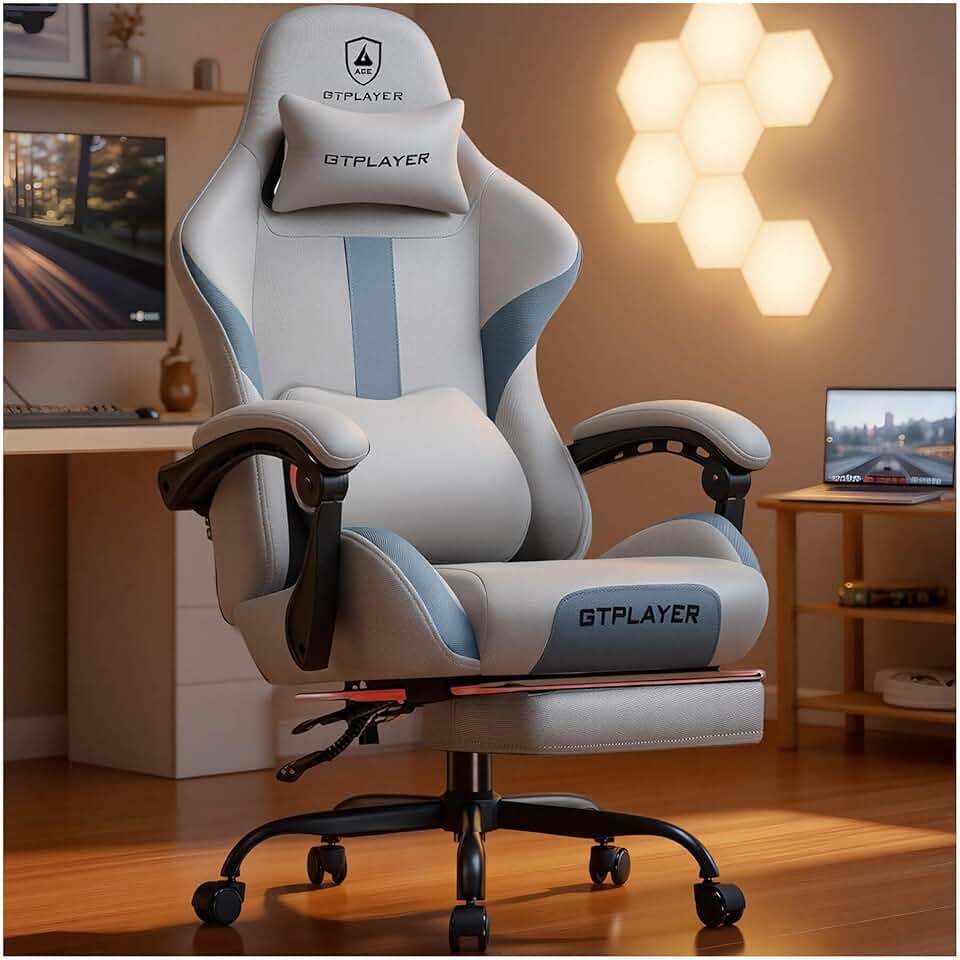
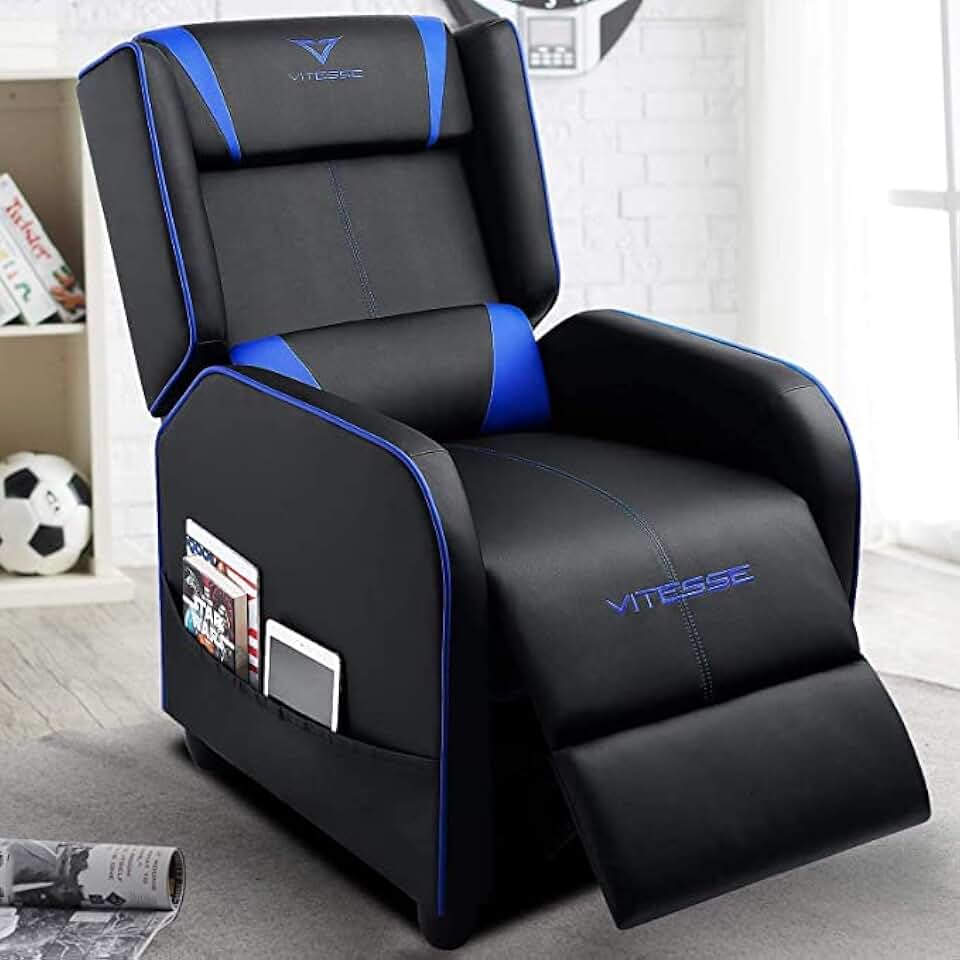
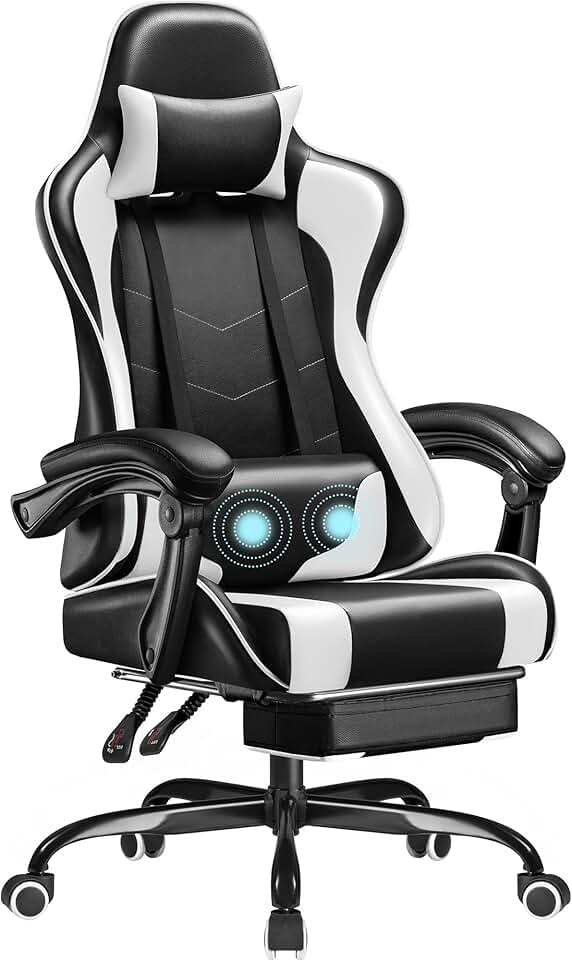
When shopping for a gaming chair for emulation, focus on these core specs:
Lumbar Support: This is non-negotiable. Look for chairs with memory foam lumbar pillows or built-in lumbar curves that actually support your lower back. Cheap chairs skip this entirely, and you'll feel it after two hours.
Seat Height Range: Measure from your floor to your desk surface. Your chair's height adjustment should let you sit with your arms at 90 degrees to your desk and feet flat on the floor or footrest. Most gaming chairs adjust 17–21 inches, which covers most setups.
Padding and Material: PU leather is easier to clean than fabric, especially if you eat or drink while gaming. Look for high-density foam in the seat and backrest—thin padding will compress after a few months. Memory foam lumbar pillows add comfort but can wear out; replaceable ones are a plus.
Footrest: Emulation sessions are long. A footrest lets you shift your leg position and reduces strain on your thighs. Retractable or removable footrests give you flexibility.
Armrests: Flip-up or adjustable armrests prevent shoulder strain during long sessions. Fixed, non-adjustable armrests often sit too high or low for your desk height.
Recline Function: A 90–130-degree recline range lets you shift positions without leaving your chair. This is especially useful during breaks or slower-paced games.
Red Flags: Avoid chairs with no lumbar support, non-adjustable height, or reviews mentioning compression after 3–6 months. Chairs under $50 often cut corners on padding and support. Also check weight capacity—if you're over 250 lbs, verify the chair's rating.
Size Matters: Emulation doesn't demand a massive racing-style chair. A medium-sized chair with good support beats an oversized one that doesn't fit your space or body properly.