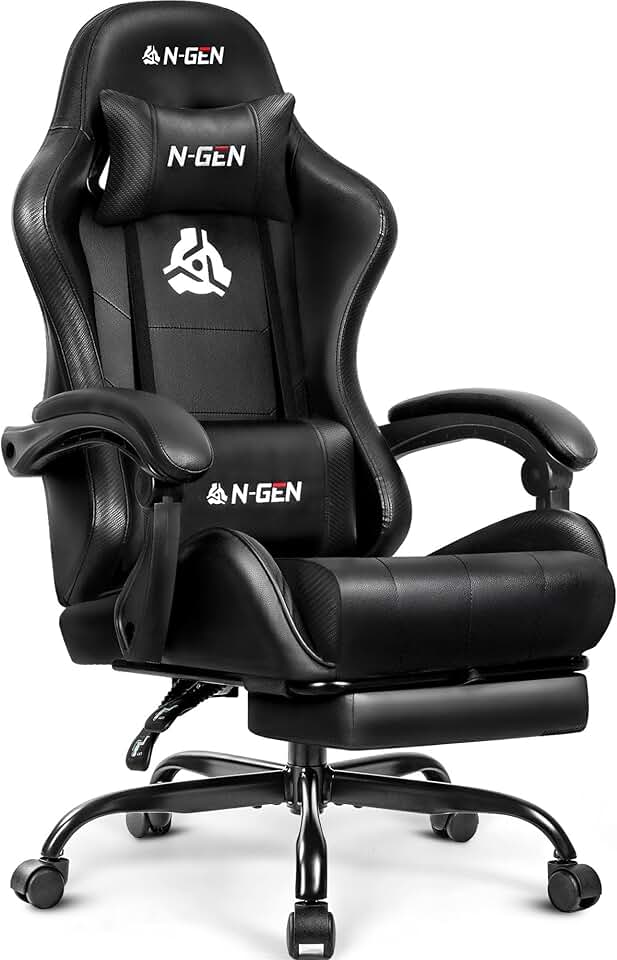
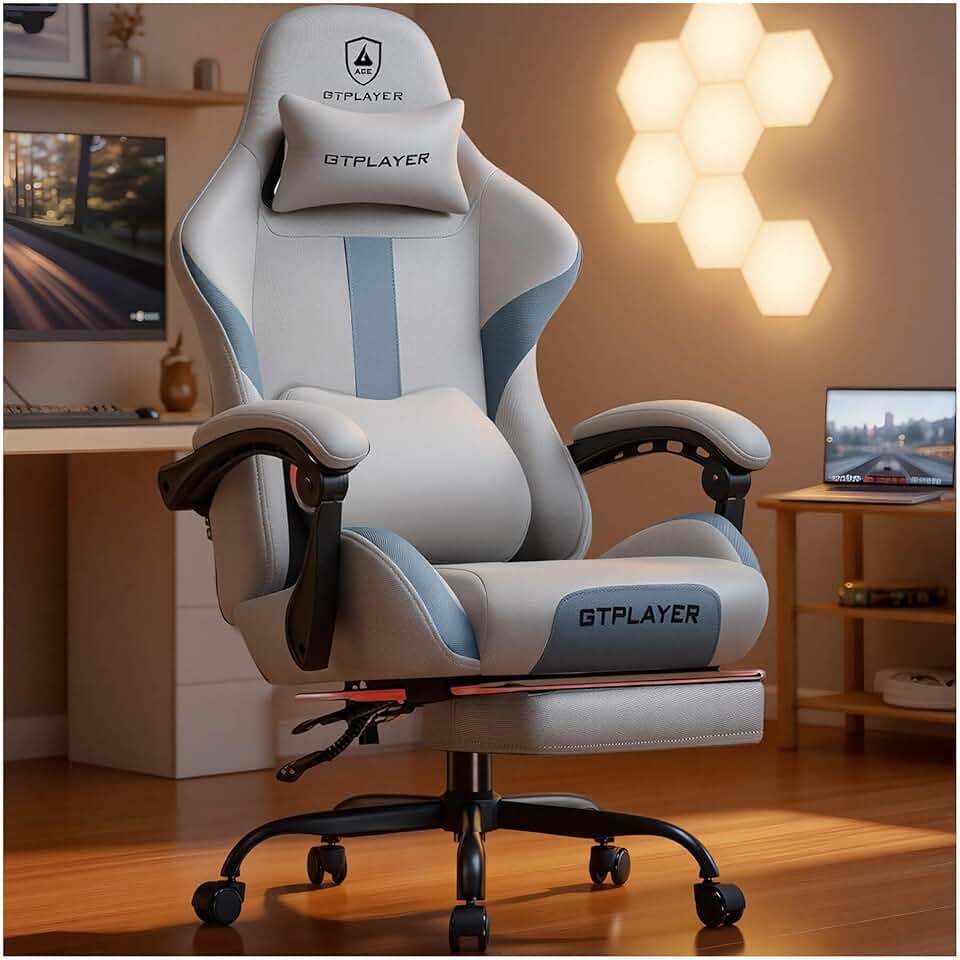
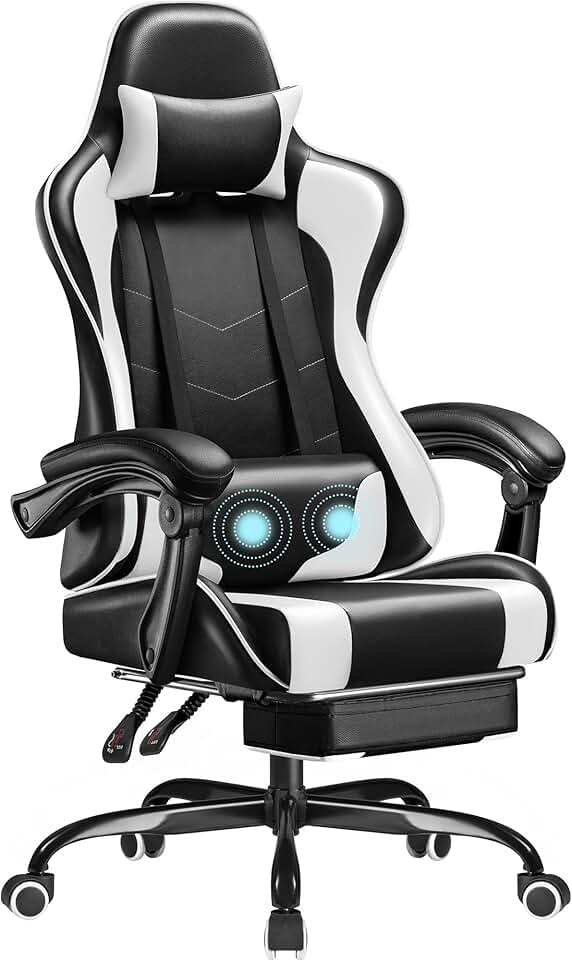
When shopping for a gaming chair built for Overwatch 2, prioritize lumbar support above all else. Long competitive sessions put stress on your lower back, so look for chairs with adjustable lumbar pillows or memory foam backing. A good lumbar system reduces fatigue and lets you focus on gameplay instead of discomfort.
Height adjustability is critical. Your feet should rest flat on the floor or footrest, with your thighs parallel to the ground and elbows at 90 degrees when your hands are on the keyboard. If the chair doesn't adjust low enough (or high enough), your posture suffers and your performance drops.
Armrests matter more than marketing suggests. Fixed or poorly padded armrests cause shoulder strain during long Overwatch 2 sessions. Look for 3D or 4D adjustable armrests that move up, down, forward, backward, and side-to-side. This lets you fine-tune arm positioning for your desk setup.
Material choice affects comfort during marathon gaming. PU leather is durable and easy to clean but can feel hot after hours of play. Mesh or fabric breathes better and feels cooler, though it's harder to wipe down after spills. Consider your room temperature and how much you sweat during competitive play.
Weight capacity and reclining angle matter too. Most gaming chairs support 250–300 lbs and recline 90–180 degrees. If you're heavier or like to lean back between rounds, verify the specs. A footrest is a nice-to-have feature that reduces leg fatigue during long sessions.
Finally, check warranty and return policy. A 1-year warranty on frame and hydraulics is standard. Some brands offer 30-day returns, which gives you time to test the chair in your actual gaming setup before committing.