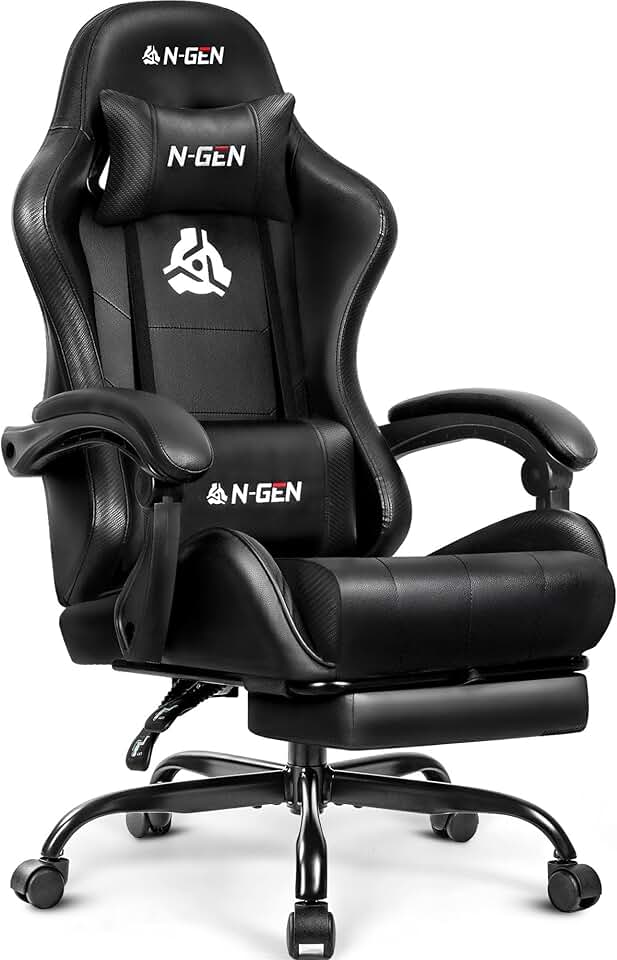
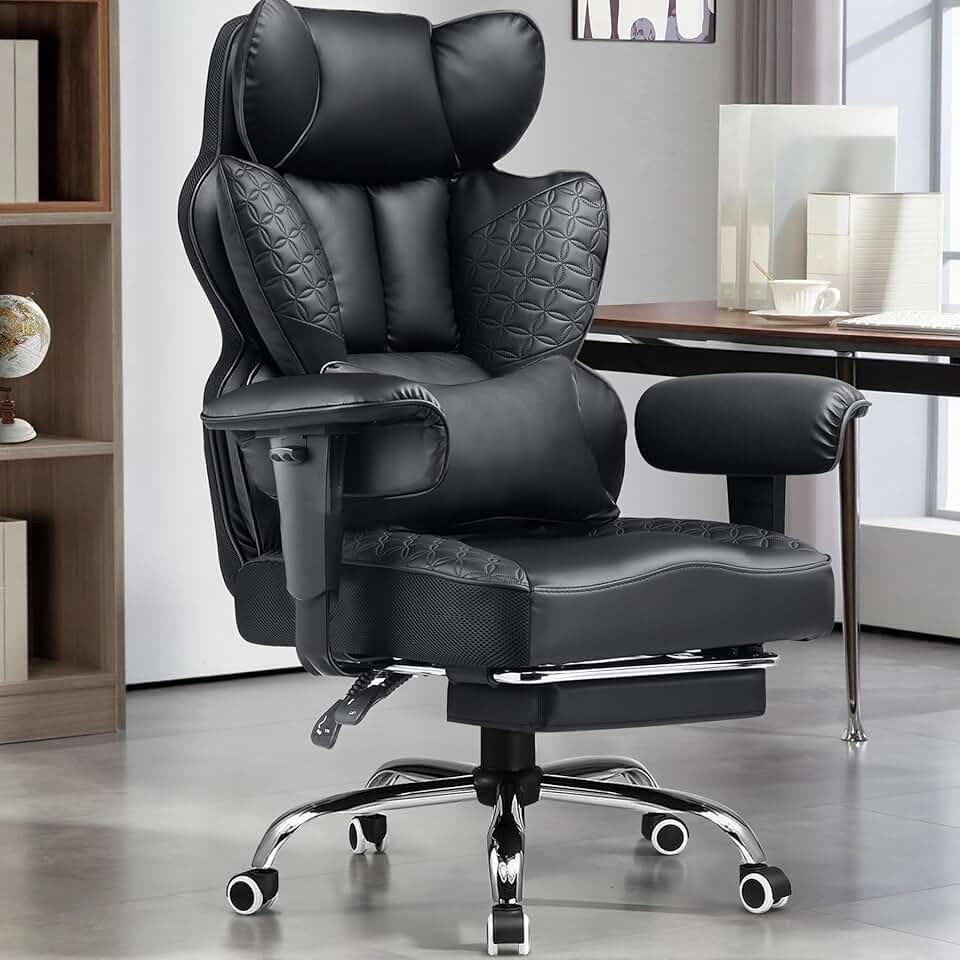
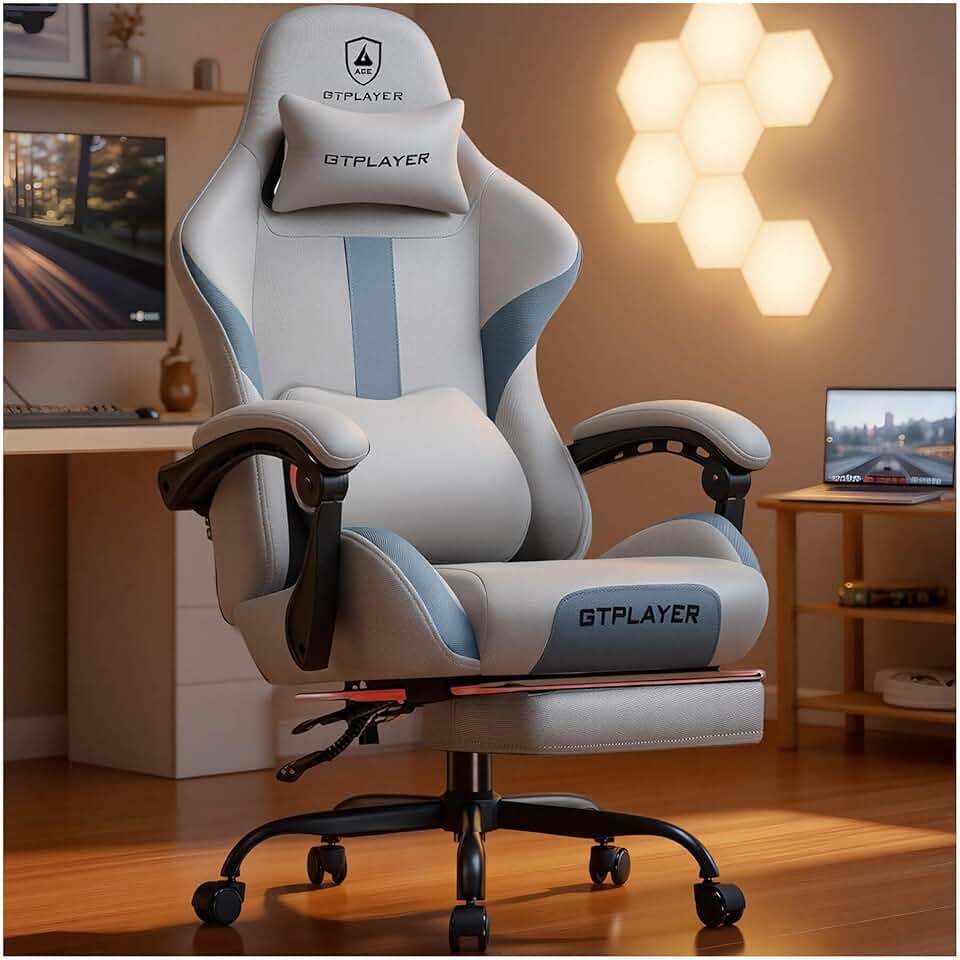
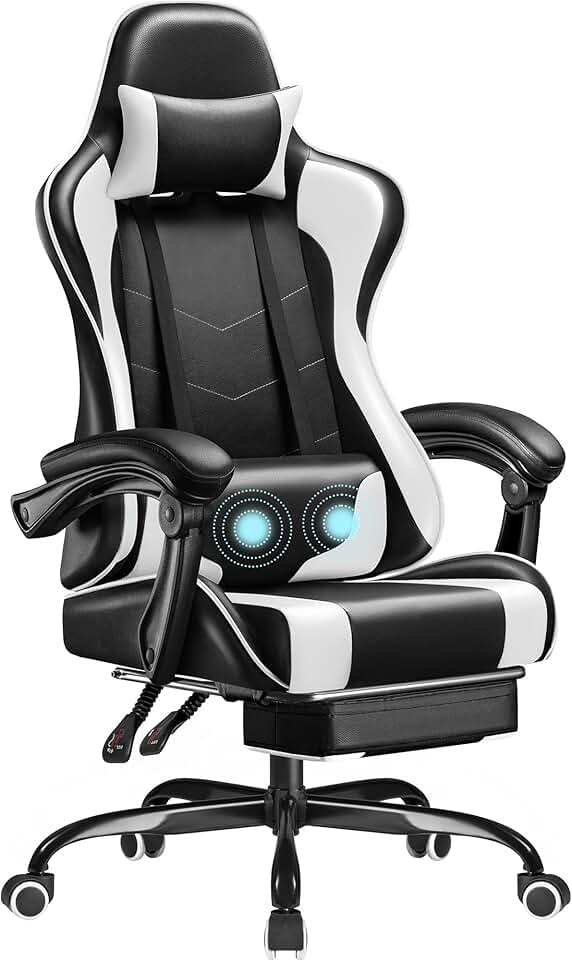
When shopping for a gaming chair for Twitch streaming, focus on these key factors:
Lumbar Support and Ergonomics
Your lower back takes the brunt of long streaming sessions. Look for chairs with dedicated lumbar support—either built-in cushions or adjustable lumbar pillows. This isn't a luxury; it's the difference between streaming comfortably for 8 hours and needing a chiropractor afterward.
Height Adjustability and Seat Depth
A chair that doesn't fit your frame won't work, no matter how good it looks on camera. Check the seat height range (typically 16–20 inches) and make sure your feet can rest flat on the floor or footrest. Seat depth matters too—if you're shorter or taller than average, measure before buying.
Material and Durability
PU leather is easier to clean (important when you're eating snacks during streams) and more durable than mesh for heavy daily use. Fabric chairs breathe better but stain easier. For Twitch, consider your studio lighting and what looks best on camera—leather tends to reflect less harshly than fabric.
Footrest and Reclining
A footrest extends your comfort window significantly, especially during 4+ hour streams. Reclining capability is less critical for streaming (you want to stay upright for camera angles) but nice to have for breaks.
Weight Capacity and Base Stability
Don't ignore weight ratings. A chair rated for 250 lbs that you weigh 200 lbs on will last longer and feel more stable than one at its limit. Casters should roll smoothly without squeaking—audio matters when you're streaming.
Camera Presence
Think about how the chair looks in your stream background. Neutral colors (black, gray, white) work in most setups. Racing-style designs with bright accents can look great or tacky depending on your branding.