When shopping for your first gaming controller, focus on these key factors:
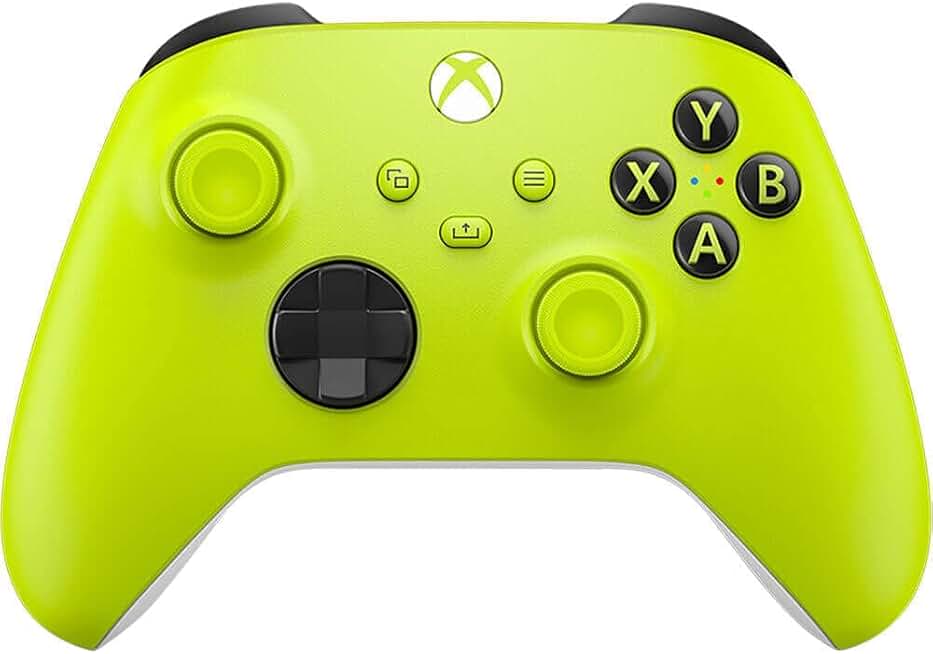
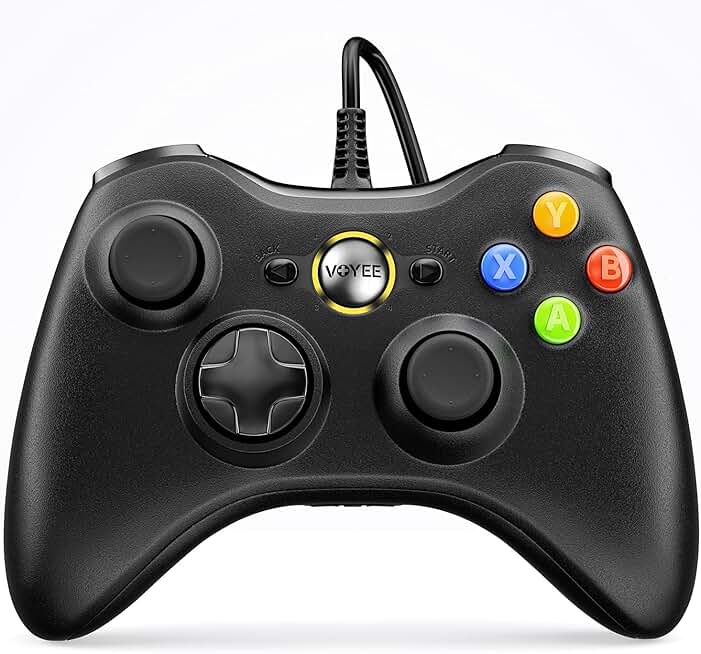
Platform Compatibility: Check what systems you actually own or plan to use. Xbox controllers work seamlessly on Windows, Android, and iOS. PlayStation controllers need extra setup on PC. Nintendo Switch controllers are great for portable gaming but less versatile elsewhere. For beginners, cross-platform compatibility saves money and frustration.
Wired vs. Wireless: Wired controllers eliminate battery anxiety and latency concerns, making them ideal if you're learning fundamentals. Wireless controllers offer freedom of movement but require charging. Most beginners benefit from wireless once they've mastered the basics.
Build Quality and Stick Durability: Joystick drift—where sticks register input without you touching them—is a real problem on cheap controllers. Look for Hall Effect joysticks or proven designs with solid reviews mentioning long-term durability. Beginners need controllers that won't fail after 50 hours of play.
Ergonomics and Hand Size: If you have smaller hands, full-size Xbox controllers might feel awkward. Mid-size options like the Logitech G F310 or 8BitDo controllers work better for most adults and teens. Try to handle one in-store if possible.
Button Layout: Xbox-style layouts (A, B, X, Y) are becoming standard and feel natural quickly. PlayStation-style layouts take adjustment if you're new to gaming. Stick with what feels intuitive during your first 10 hours.
Price Reality: You don't need to spend more than $30 to get a solid beginner controller. Premium features like customizable triggers or advanced haptics matter once you've played 100+ hours. Start affordable, upgrade later if needed.
Polling Rate: For beginners, 125Hz polling rate is fine. Once you're playing competitive games, 1000Hz matters. Don't overpay for specs you won't use yet.