When shopping for gaming mice designed to ease wrist pain, focus on three core factors: ergonomic shape, wrist support quality, and your grip style.
Ergonomic Shape Matters
Vertical mice position your hand in a neutral handshake grip, which naturally reduces pronation (the twisting motion that strains wrists). Standard flat mice force your hand into an unnatural angle; vertical designs cost a bit more but deliver measurable relief. If you prefer a traditional mouse, look for contoured designs that slope upward toward your fingers.
Wrist Support Materials
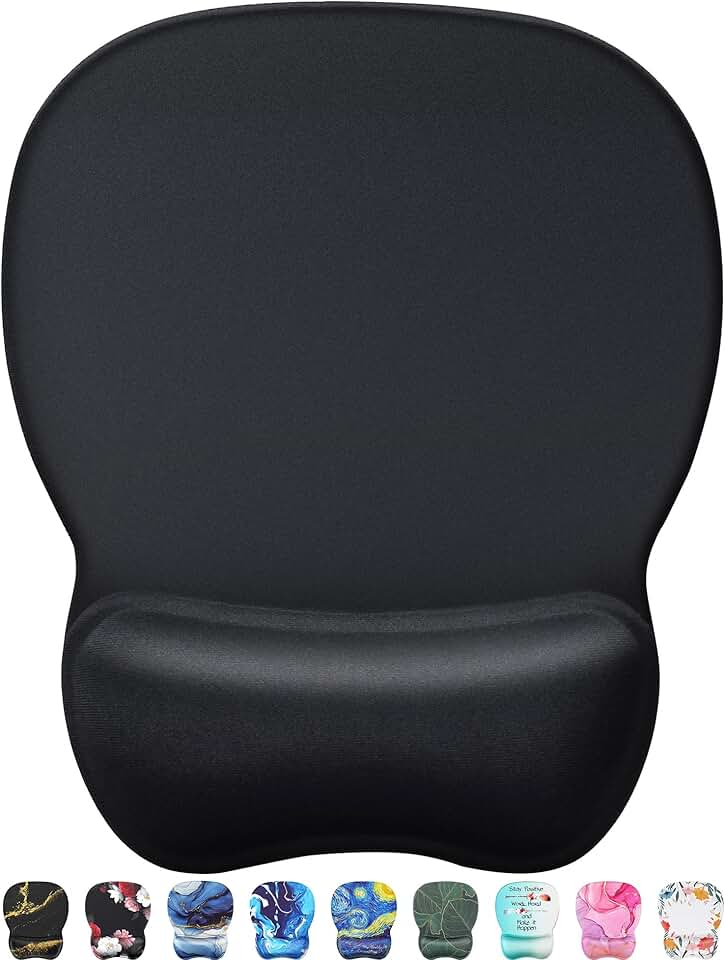
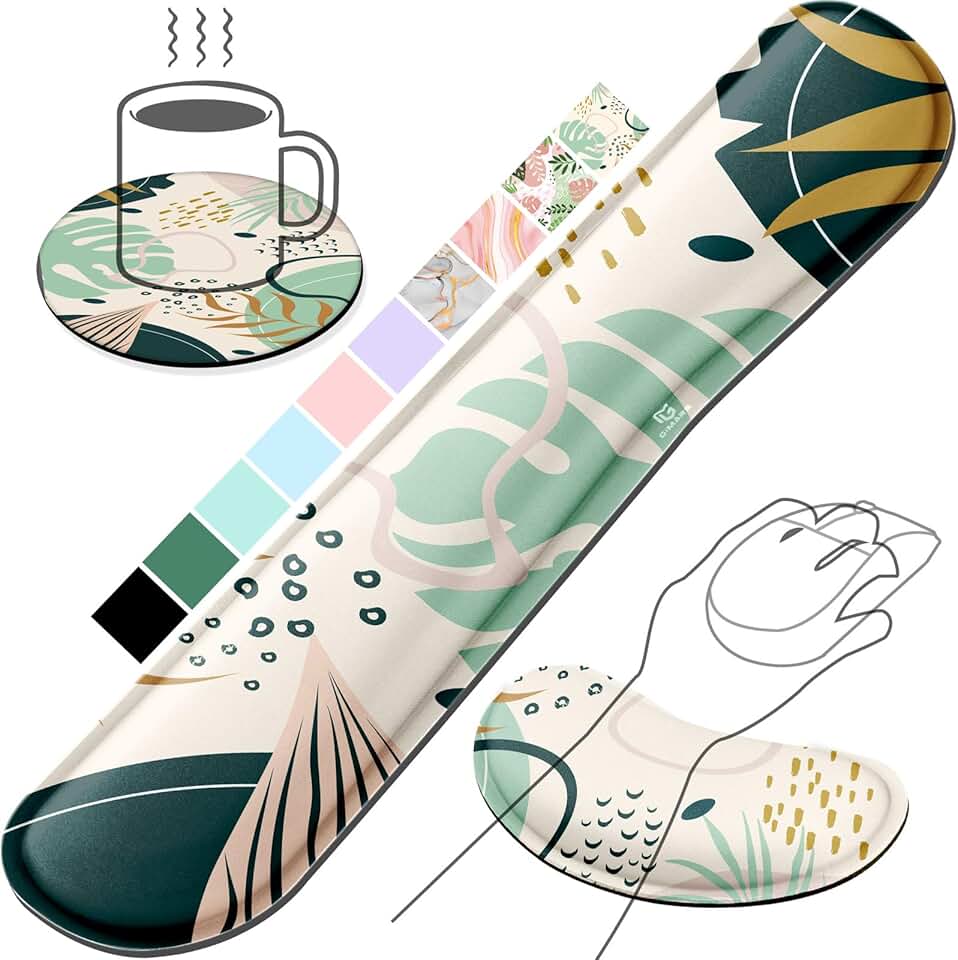
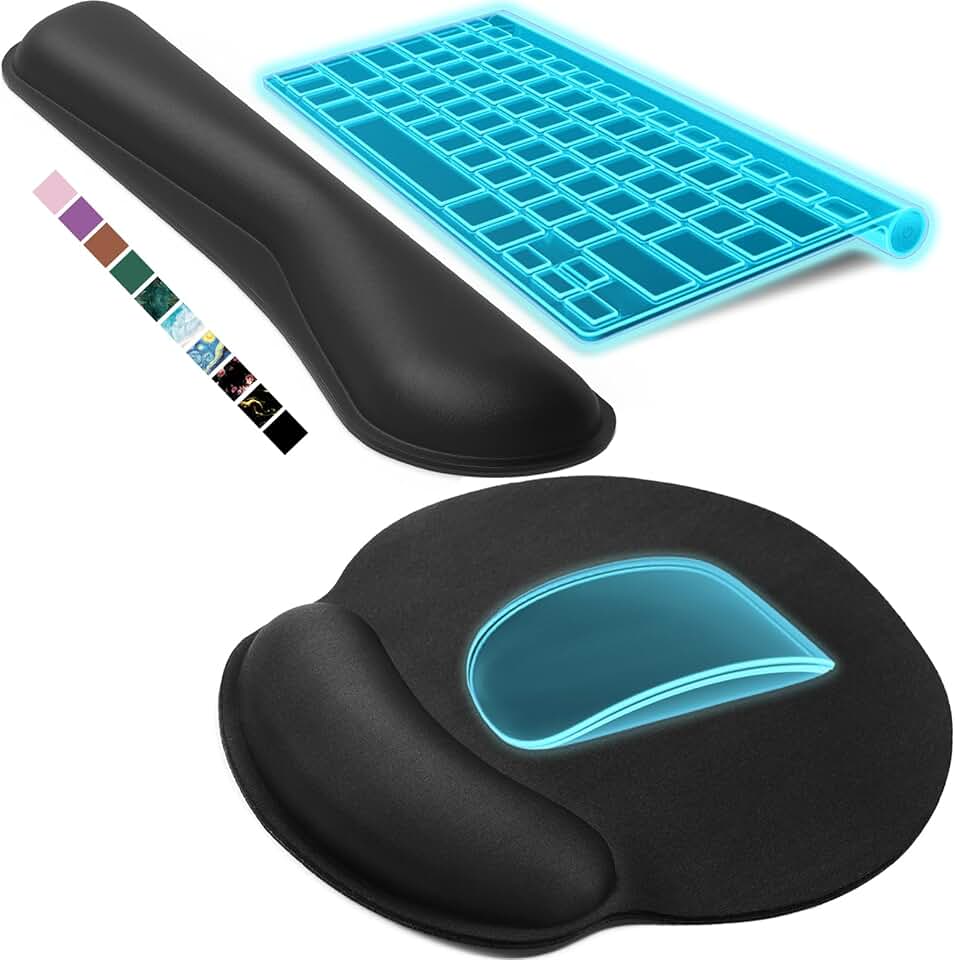
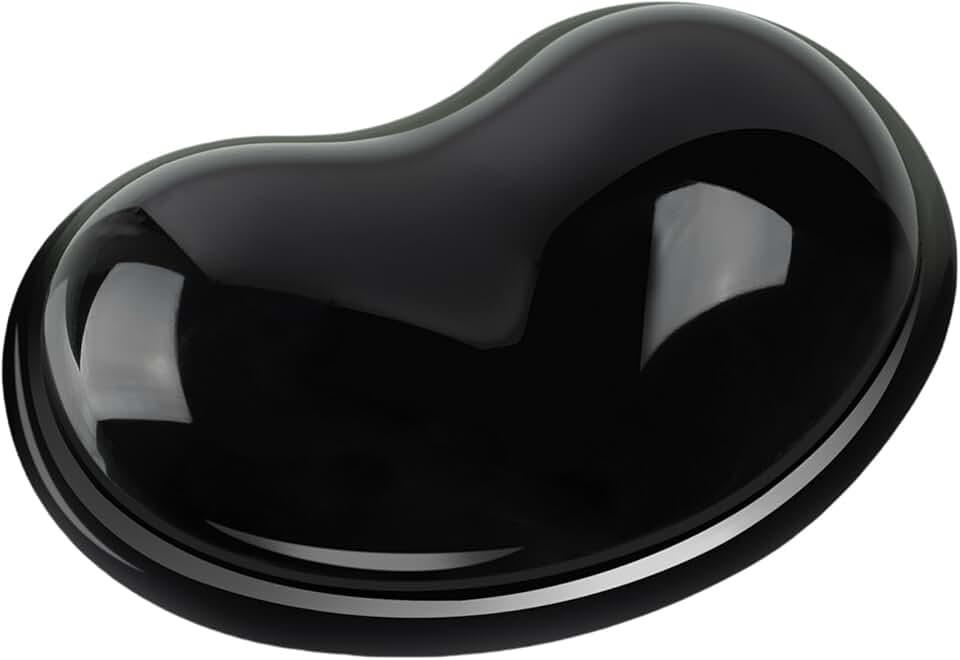
Gel pads cool your wrist and provide immediate cushioning, but memory foam offers better long-term support by conforming to your hand's shape. Combination pads (gel + memory foam) give you both benefits. Check the thickness—anything under 0.5 inches feels flimsy; 0.75–1 inch is ideal for gaming.
Grip Type and Hand Size
Claw grip users benefit most from vertical mice; palm grip users often prefer traditional ergonomic shapes with pronounced side support. Measure your hand from wrist to fingertip; anything under 6.5 inches needs a compact mouse, while hands over 7.5 inches need full-size designs.
Red Flags to Avoid
Skip mouse pads with thin, cheap foam that flattens after a week. Avoid products with non-slip bases that slide during intense gameplay. Watch out for vertical mice with overly steep angles (over 60 degrees)—they can feel awkward if you're not used to them.
Wireless vs. Wired
Wireless mice reduce cable drag (which can aggravate wrist strain), but they require charging. Wired pads eliminate battery concerns and are lighter. For wrist pain relief, the difference is minor—focus on shape and support first.