When shopping for gaming monitors for small desks, prioritize these key factors:
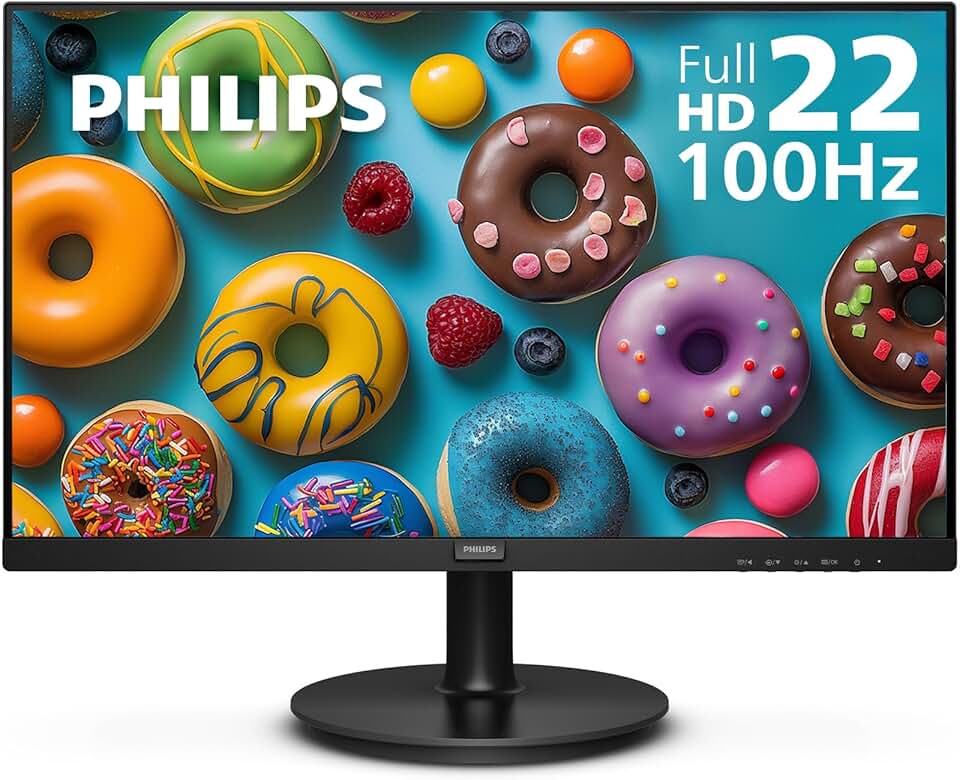
Monitor Size & Resolution: Look for 22–24-inch displays. These fit comfortably on compact surfaces without forcing you to sit too close. A 1080p (1920×1080) resolution is standard and sharp at this size; 1440p is overkill for a 24-incher and wastes GPU power.
Refresh Rate: 75Hz or higher is the minimum for gaming. Most small-desk monitors hit 100Hz–144Hz, which is plenty for smooth gameplay without breaking the bank. Curved panels (1500R radius) add immersion without taking up more physical space.
Panel Type & Response Time: IPS panels offer better color accuracy and viewing angles, while TN panels are faster (1ms response time). For competitive shooters, TN wins; for everything else, IPS is fine. Check response times—aim for 5ms or faster.
Connectivity: HDMI and VGA are standard. Bonus: built-in speakers save desk space, though they're rarely great for gaming. USB hubs are nice but not essential.
Monitor Arm vs. Stand: If your desk is truly cramped, a single-monitor arm (VESA 75×75 or 100×100) frees up 6–8 inches of depth. Heavy-duty arms support up to 33 lbs and adjust height, tilt, and swivel—critical for ergonomics.
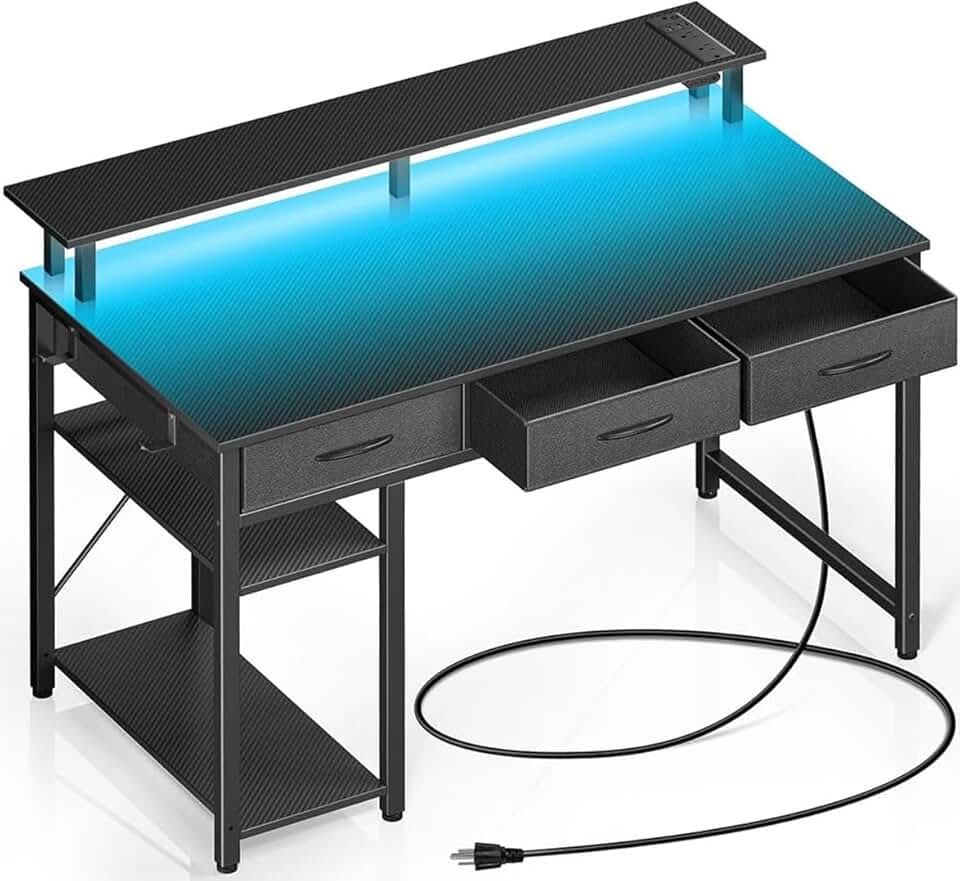
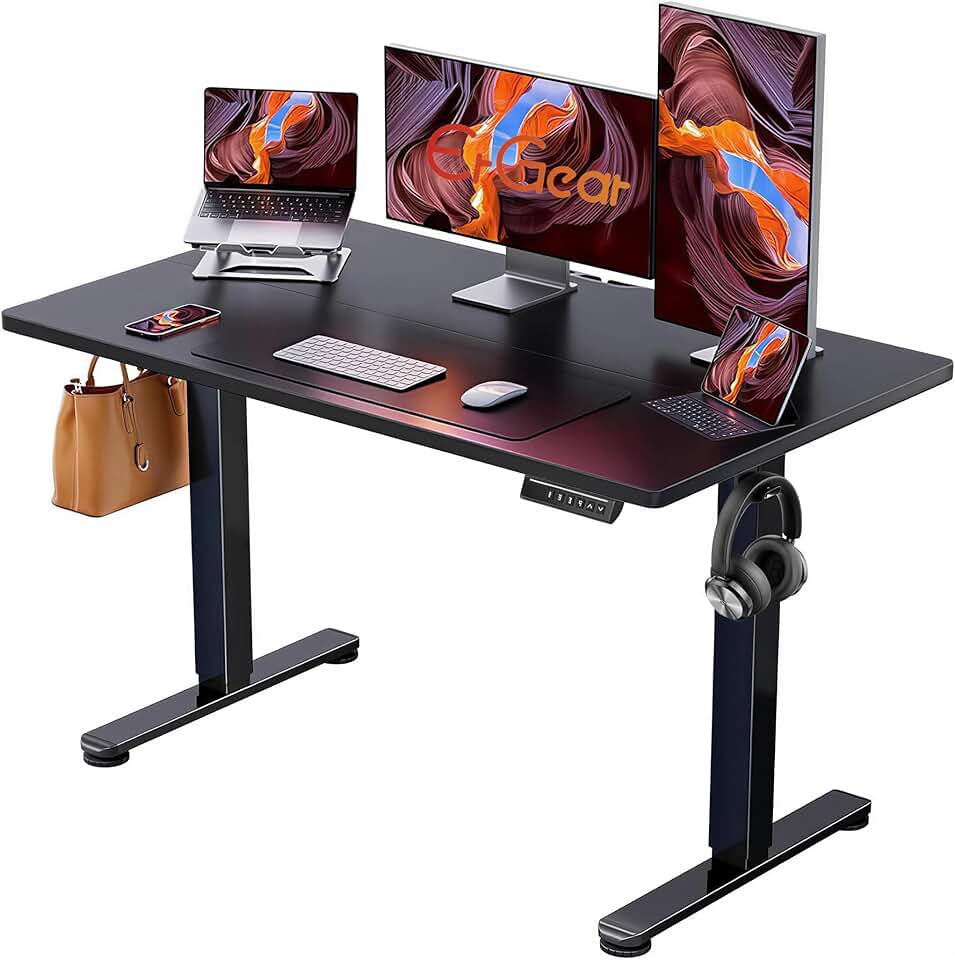
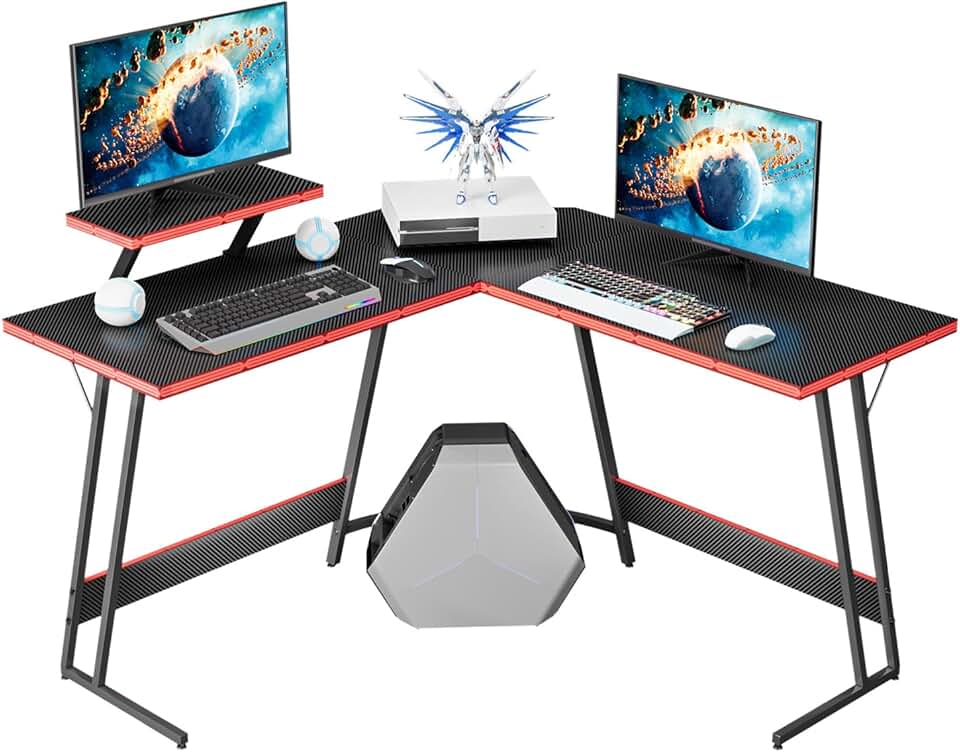
Desk Footprint: Measure your actual space. L-shaped desks (47–48 inches) fit corners and provide monitor riser shelves. Straight desks (39–42 inches) work for side-by-side setups. Electric standing desks are pricier but worth it if you alternate sitting and standing.
Cable Management: Look for desks with cable trays, clips, and routing holes. This keeps your small space organized and prevents spaghetti cables from eating up legroom.
Red Flags: Avoid monitors without VESA mounting (you'll be stuck with the stand). Skip desks with flimsy particle board—steel frames last longer. Don't buy a monitor arm rated for less than your monitor's weight.