When shopping for gaming monitors as a YouTube creator, prioritize these factors:
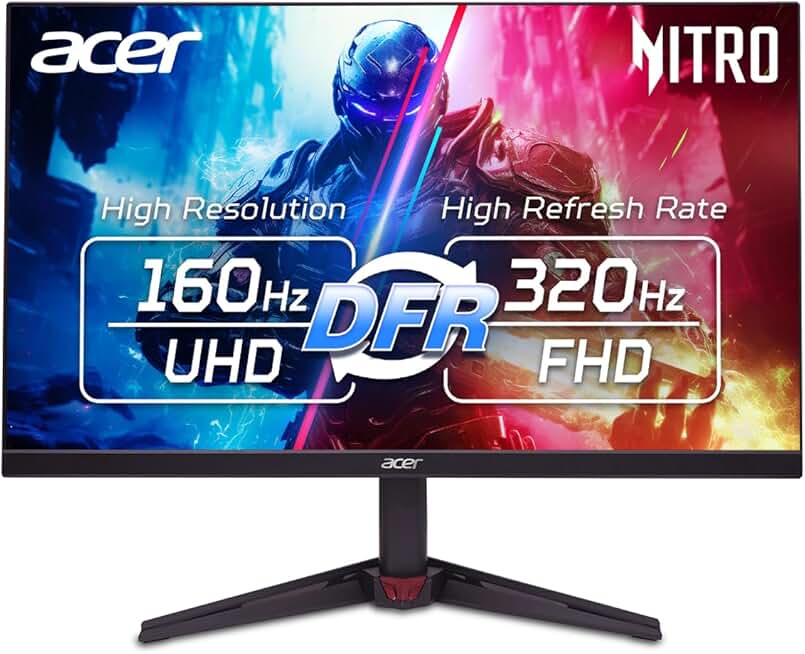
Refresh Rate & Resolution Balance: Creators benefit from at least 144Hz for smooth gameplay, but 240Hz+ is overkill if you're primarily focused on content quality. Higher refresh rates demand more GPU power and can limit resolution. A 1440p monitor at 165Hz offers a sweet spot—enough smoothness for competitive play without sacrificing visual fidelity in your recordings.
Panel Type Matters: IPS panels deliver superior color accuracy and wider viewing angles, critical when you're color-grading footage or ensuring your stream looks good to viewers at different angles. TN panels are faster but less forgiving for content creation. VA panels offer good contrast but narrower angles.
Real Estate for Multitasking: Creators need screen space to manage streaming software, chat, and gameplay simultaneously. A 27-inch monitor is the practical minimum; 32-inch curved displays reduce head movement and make monitoring chat easier during long streams. Ultrawide 34-inch monitors are premium options for serious multi-window workflows.
Color Accuracy & HDR: Look for 95%+ sRGB coverage if you're color-grading clips. HDR support (HDR10) adds visual punch to your recorded footage. Some monitors offer factory calibration or include color profiles—these are worth the premium.
Connectivity: Ensure you have both HDMI and DisplayPort inputs. DisplayPort 1.4 supports higher bandwidth for 4K at high refresh rates. USB-C with power delivery is a bonus for streamlined cable management.
Curved vs Flat: Curved displays (1500R curvature) reduce eye strain during marathon streaming sessions and create a more immersive feel. They're not essential but improve comfort and viewer perception of your setup on camera.