Competitive esports demands precision, speed, and reliability. Your peripherals aren't just nice-to-haves—they're part of your competitive edge. Whether you're grinding ranked matches, streaming tournaments, or climbing the leaderboards, the right gaming accessories for esports can mean the difference between a clutch round and a costly mistake. We've tested and ranked the best gaming accessories that competitive players actually use: from tournament-grade mousepads to programmable keypads and pro-level headsets. These picks focus on what matters in esports: low latency, consistent performance, and gear that won't let you down when stakes are highest. Read on to find the accessories that fit your playstyle and budget.
Best Gaming Accessories for Esports
Updated April 24, 202610 picks tested4.6 avg rating · 221,334 reviews
This post contains affiliate links. We may earn a commission at no extra cost to you when you buy through our links. This helps us keep GamePlays running.
Jump to
Our top picks at a glance
- #1
- #2
- #3
- #4
- #5
Buyer's guide
When shopping for gaming accessories for esports, focus on three core categories: input devices, audio, and workspace optimization.
Mousepads and Tracking: Your mousepad is foundation. Look for a large surface (at least 400mm width) with a hard or soft base that matches your grip style. Esports players prefer consistent tracking at high DPI (3200+), so check that the pad's weave doesn't cause jitter. Non-slip rubber bases prevent pad creep during intense sessions.
Audio for Competitive Play: In esports, sound is intelligence. A good headset reveals footsteps, ability cooldowns, and enemy positions. Prioritize 50mm+ drivers, 7.1 surround sound (or virtual surround like THX), and noise isolation. Memory foam ear cushions matter during 8+ hour tournaments—comfort prevents fatigue that kills focus.
One-Handed Input: If you're an esports player, a gaming keypad or macro pad frees your mouse hand for pure aiming. Mechanical switches (not membrane) give tactile feedback. 32+ programmable keys let you bind abilities, utility, and comms without moving your mouse hand.
Desk Accessories: Headset stands keep your audio ready and protect your investment. Phone holders and controller mounts keep your secondary devices organized during streams or team scrims.
Red Flags: Avoid mousepads smaller than 300mm—you'll run out of space during low-sens flicks. Skip wireless headsets for competitive play unless they have sub-1ms latency (rare). Avoid membrane keypads for esports; mechanical switches give the tactile response pros demand.
Choose accessories that match your game: FPS players need precision audio and large mousepads; MOBA players benefit from programmable keypads; streamers need visible RGB and cable management solutions.
The picks

#1 · Best Overall4.7 (103,725)
SteelSeries QcK Large Gaming Mousepad — Black — Non-Slip Silicone Rubber Base — Peak Tracking and Stability — Optimized for Gaming Sensors — 490 mm x 420 mm — FPS, MOBAs, RTS, MMO
$14.99
The SteelSeries QcK Large is the gold standard for esports mousepads. Pro players across FPS, MOBA, and fighting games trust it for reliable tracking and durability. At $14.99, it's the best value for competitive play.
Pros
- + 490mm x 410mm size gives plenty of room for low-sensitivity flicks and wide mouse movements
- + Micro-woven surface provides consistent tracking at any DPI without jitter or drag
- + Non-slip silicone rubber base stays locked in place during intense play sessions
Cons
- − Cloth surface requires regular cleaning to maintain optimal tracking
- − No RGB lighting if you want coordinated desk aesthetics
#2 · Best for Desk Ambiance4.7 (39,664)
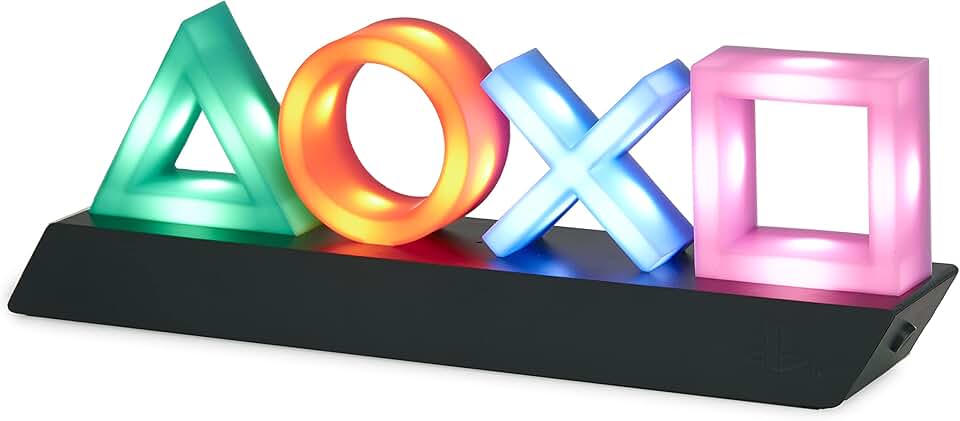
Paladone Playstation Controller Icons Light with 3 Light Modes - Sound Reactive, Dynamic Phasing, and Standard Mode - Gaming Desk Accessories and Game Room Decor
$24.47
The Paladone PlayStation Controller Light is perfect if you want to personalize your gaming desk without sacrificing space. It's great for streamers who want visual appeal during broadcasts, but it won't help your rank.
Pros
- + Three light modes (sound reactive, dynamic phasing, standard) add personality without distraction
- + Licensed PlayStation controller design fits gaming culture and works as desk decor
- + Compact footprint doesn't clutter your esports setup
Cons
- − Purely decorative—doesn't improve performance or gameplay
- − Sound reactivity can be distracting during intense matches if sensitivity is too high

#3 · Best RGB Mousepad4.7 (15,686)
BladeHawks Extra Large RGB Gaming Mouse Pad-14 Light Modes, Extended Soft LED Mouse Pad, Anti-Slip Rubber Base, Computer Keyboard Mousepad Mat (31.5 x 12 Inch) ClimeCo Certified
$13.99
The BladeHawks Extra Large RGB pad combines tournament-size surface with flashy aesthetics. It's ideal for streamers and esports players who want both performance and visual impact on camera.
Pros
- + 31.5-inch extended surface (800mm x 300mm) gives maximum mouse travel space for low-sens players
- + 14 RGB light modes with per-zone customization sync with other Razer gear
- + Soft cloth with anti-slip rubber base balances speed and control
Cons
- − RGB adds complexity—more things to sync and troubleshoot
- − Larger pads are harder to transport for LANs or tournaments
#4 · Best Budget Headset4.4 (27,470)
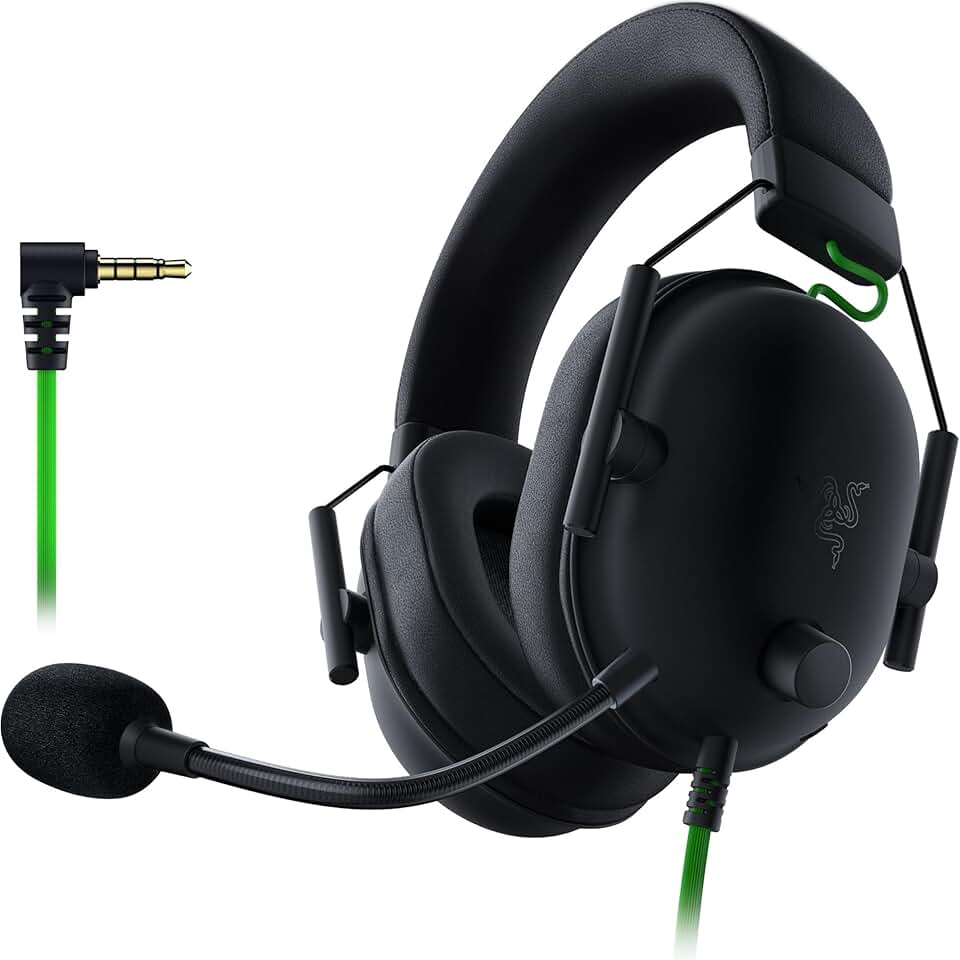
Razer BlackShark V2 X Gaming Headset: 7.1 Surround Sound - 50mm Drivers - Memory Foam Cushion - For PC, PS4, PS5, Switch - 3.5mm Audio Jack - Black ECOLOGO
$34.99
The Razer BlackShark V2 X delivers pro-level audio at a sub-$35 price. It's perfect for esports players on a tight budget or as a backup headset for LANs. The 7.1 surround makes enemy positioning clear.
Pros
- + 50mm drivers and 7.1 surround sound deliver clear footstep audio and directional cues at a fraction of premium prices
- + 3.5mm jack works on PC, PS4, PS5, and Switch—no driver installation needed
- + Memory foam ear cushions stay comfortable during long scrim sessions
Cons
- − Build quality feels lighter than $100+ competitors; cable is non-detachable
- − Microphone quality is basic—not ideal if you're the team's primary caller

#5 · Best One-Handed Keypad4.4 (12,558)
Razer Tartarus V2 Gaming Keypad: Mecha Membrane Key Switches - One Handed Keyboard - 32 Programmable Keys - Customizable Chroma RGB Lighting - Programmable Macros - Snap Tap - Black ECOLOGO
$69.99
The Razer Tartarus V2 is the go-to for esports players in games like Valorant, CS:GO, and Dota 2 where ability binds matter. It frees your mouse hand for pure aiming and gives you an edge in ability execution.
Pros
- + 32 programmable keys let you bind all abilities, utility, and comms without moving your mouse hand
- + Mecha-membrane switches provide tactile feedback with faster actuation than standard membrane
- + Customizable Chroma RGB syncs with Razer ecosystem for unified desk lighting
Cons
- − Steep learning curve—remapping muscle memory takes weeks of grinding
- − Mecha-membrane switches feel different from mechanical; some prefer pure mechanical for esports
#6 · Best Mechanical Keypad4.4 (7,393)
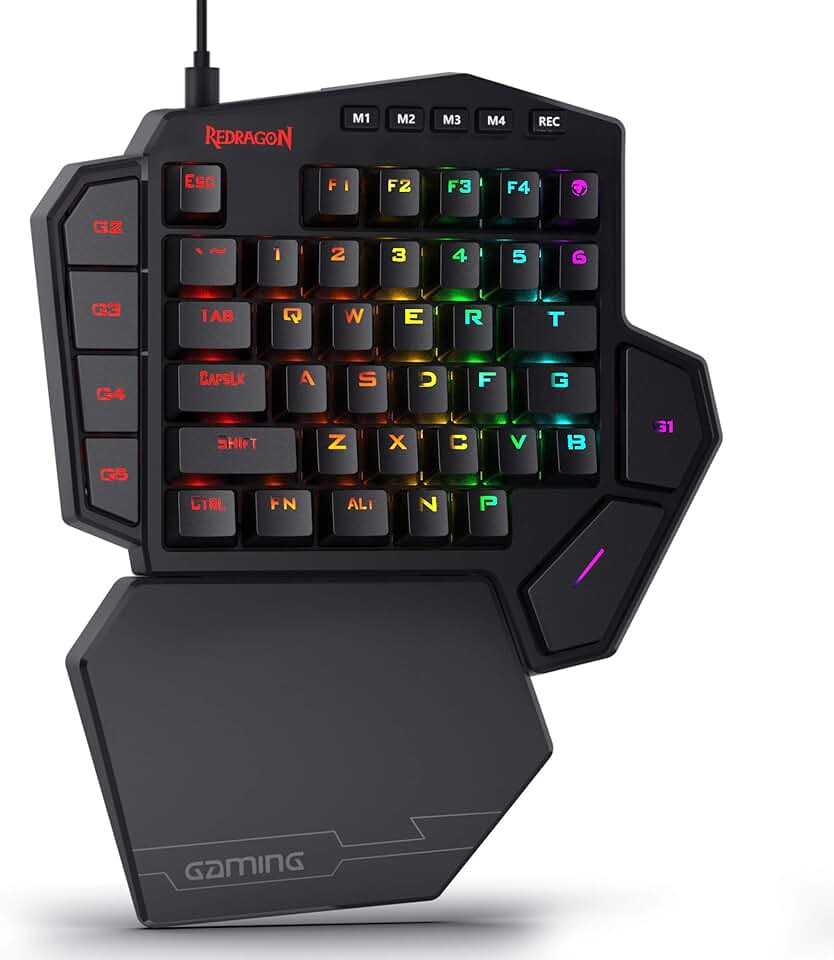
Redragon K585 DITI Wired One-Handed RGB Mechanical Gaming Keyboard, 42 Keys Type-C Professional Gaming Keypad w/Upgraded Hot-Swappable Socket, 7 Onboard Macro Keys & Detachable Wrist Rest
$32.99
The Redragon K585 DITI offers mechanical switch performance at $32.99. If you want true mechanical feedback without the Razer premium, this is your pick for esports play.
Pros
- + Hot-swappable sockets let you swap mechanical switches without soldering—customize your feel
- + 42 keys with 7 onboard profiles store different ability binds for different games
- + Type-C connection and compact form factor make it LAN-tournament portable
Cons
- − Budget mechanical switches feel less refined than premium brands like Gateron or Kailh
- − Smaller key count (42) than Tartarus V2 (32) limits some binding options
#7 · Best Budget RGB Pad4.6 (8,221)
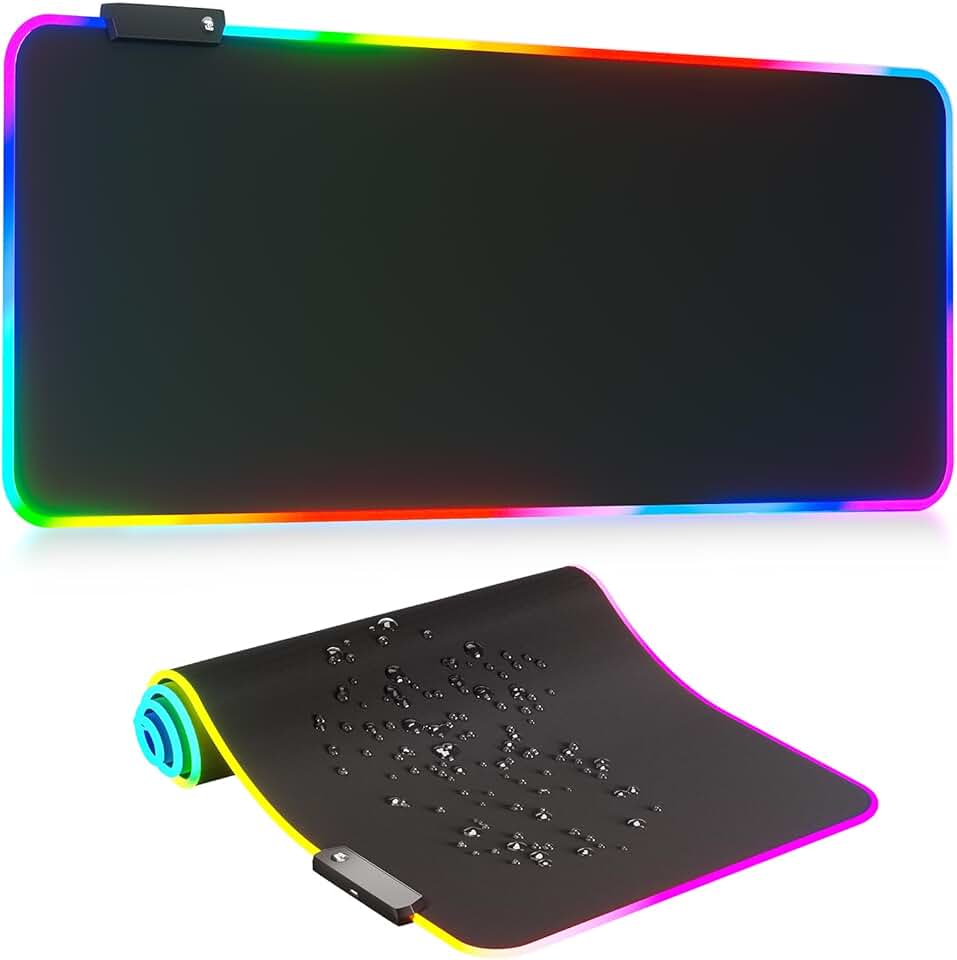
RGB Mousepad Led Mouse Pad, Large Mouse Pad,Led and Big Mouse mat
$13.99
The KDD RGB Mousepad gives you tournament-size surface with RGB aesthetics at under $14. It's a solid backup pad or team purchase if you're outfitting a gaming house or esports academy.
Pros
- + Large surface with 16.8M RGB color options and per-zone lighting control
- + Anti-slip rubber base prevents pad creep during competitive matches
- + Affordable price point makes it accessible for budget-conscious esports teams
Cons
- − No brand name recognition—durability over 1+ years is uncertain
- − RGB software integration can be buggy; some users report connectivity issues

#8 · Best Controller & Phone Mount4.8 (2,333)
Exquisite Gaming: Call of Duty: Monkeybomb - Original Mobile Phone & Gaming Controller Holder, Device Stand, Cable Guys, Licensed Figure
$23.99
The Exquisite Gaming Monkeybomb holder is for esports streamers who want branded desk decor that's also functional. It keeps your phone and controller organized while adding personality to your setup.
Pros
- + Licensed Call of Duty Monkeybomb design is instantly recognizable and conversation-starting
- + Dual-purpose holder secures both mobile phones and gaming controllers with adjustable grips
- + Compact desk footprint doesn't interfere with mouse or keyboard space
Cons
- − Purely cosmetic—doesn't improve performance or gameplay
- − Only fits standard controller sizes; oversized or custom controllers may not fit securely

#9 · Best Headset Stand4.7 (2,175)
KDD RGB Headset Stand with 9 Light Modes - Controller Holder for Desk - Rotatable Headphone Stand & Detachable Controller Hook for PC Earphone Accessories(Black)
$25.95
The KDD RGB Headset Stand keeps your audio gear safe and visible on stream. The controller hook is a nice bonus for esports players who switch between mouse and controller games.
Pros
- + 9 RGB light modes with rotatable design let you position your headset exactly where you want it
- + Detachable controller hook keeps your secondary input device within reach
- + Protects your headset from damage and keeps cables organized during long sessions
Cons
- − RGB adds unnecessary complexity if you prefer a clean, minimal desk
- − Rotatable design means it takes up more desk real estate than fixed stands

#10 · Best Desk Lighting Accent4.7 (2,109)
YuanDian Can't Hear You I'm Gaming Night Light, Headset Graphic Video Games Gamer Gift Funny 3D Illusion Lamp 16 Colors Changing Touch & Remote Control for Men Gamers Teenagers and Kids
$16.99
The YuanDian Gaming Night Light is a fun desk accessory for esports streamers who want to add character to their setup. Turn it off during matches, leave it on during breaks and streams.
Pros
- + 16-color 3D illusion lamp adds personality without taking up much desk space
- + Touch control and USB power make it easy to adjust during gaming sessions
- + Funny 'Can't Hear You I'm Gaming' design is perfect for esports streamers
Cons
- − Purely decorative—zero impact on competitive performance
- − Color-changing modes can be distracting if you keep it on during intense matches
Frequently asked questions
Frequently Asked Questions
Final word
The best gaming accessories for esports start with the fundamentals: a reliable mousepad like the SteelSeries QcK Large, a competitive headset like the Razer BlackShark V2 X, and a programmable keypad like the Razer Tartarus V2 or Redragon K585. These three items form the core of any esports setup. Add a headset stand, controller mount, or RGB lighting if you stream, but don't sacrifice performance for aesthetics. Your gaming accessories for esports should be invisible during play—they work so well you forget they're there. Start with the best overall picks and customize from there based on your game, budget, and desk space.
More gear curated for esports
Gaming Keyboards
Best Gaming Keyboards for Esports
Gaming MiceBest Gaming Mice for Esports
Gaming HeadsetsBest Gaming Headsets for Esports
Gaming MonitorsBest Gaming Monitors for Esports
Gaming ChairsBest Gaming Chairs for Esports
Gaming ControllersBest Gaming Controllers for Esports
Gaming DesksBest Gaming Desks for Esports
Streaming GearBest Streaming Gear for Esports
More gaming accessories guides
Budget Gaming Accessories of 2026
Top 10 affordable gaming accessories for PC, console, and desk setup. Quality gear under $50.
Best Corsair Gaming Accessories in 2026
Top-rated Corsair gaming accessories: mice, headsets, mouse pads, and RGB controllers. Expert reviews and buying guide.
Best Ergonomic Gaming Accessories in 2026
Top 10 ergonomic gaming accessories to reduce pain and boost comfort. Seat cushions, wrist rests, footrests, and more.
Best Gaming Accessories in 2026
Top 10 gaming accessories 2026: mice, stands, cushions & more. Expert reviews, real specs, honest verdicts.
Best Gaming Accessories for Apex Legends
Top gaming accessories for Apex Legends players: collectibles, controller holders, and KnM adapters to enhance your gameplay.
Best Gaming Accessories for Baldur's Gate 3
Top gaming accessories for Baldur's Gate 3 fans: collectibles, apparel, and decor to enhance your playtime.