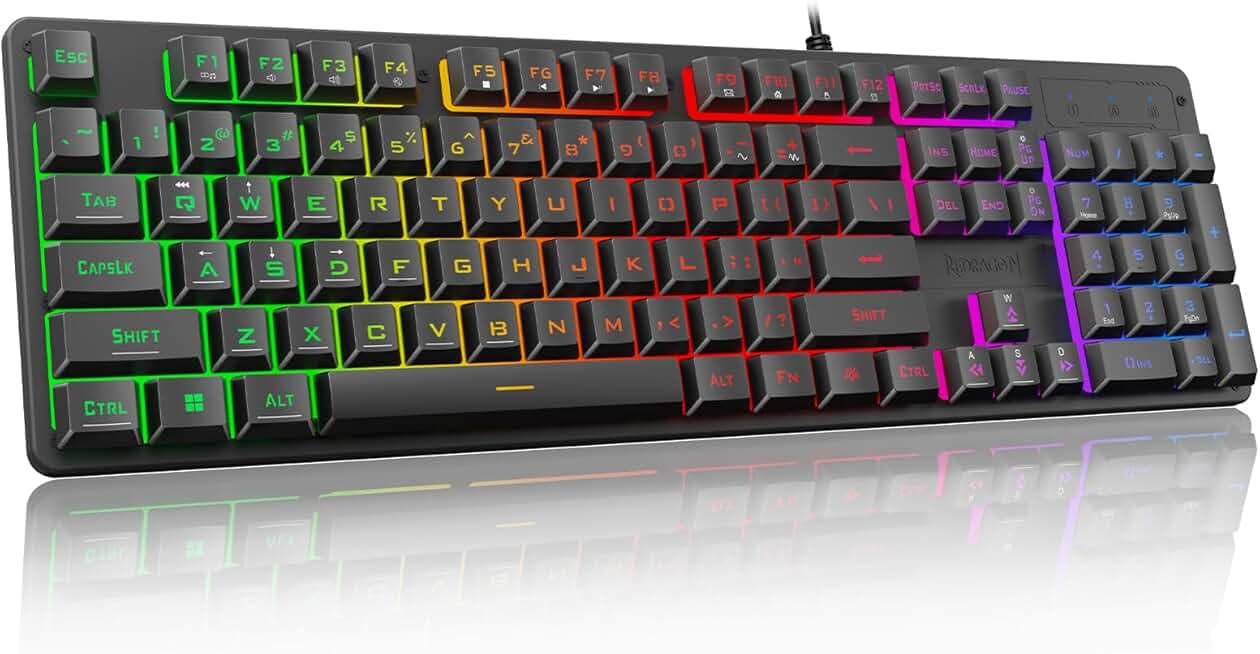
When shopping for the best RGB gaming keyboards, focus on three core elements: switch type, RGB implementation, and build quality.
Switch Type Matters Most
Mechanical switches offer superior tactile feedback and durability compared to membrane or mech-dome hybrids. Look for switches rated for 50+ million keystrokes. If you want quiet gaming without sacrificing response, linear red switches or silent switches are ideal. Clicky switches (blue, green) deliver satisfying feedback but produce noise—fine for solo play, problematic for voice comms.
RGB Quality and Customization
Not all RGB lighting is equal. Zone-based RGB (10-zone, 15-zone) gives you more control than single-color backlighting. Check if the keyboard supports per-key RGB customization through software—this lets you program specific keys for different games. Some boards offer onboard memory so profiles persist without software running.
Build and Durability
Aluminum or steel frames outlast plastic bodies, especially under heavy use. Wrist rests (magnetic or detachable) reduce fatigue during long sessions. Water resistance (IP32 rating) protects against spills—critical if you're eating or drinking near your desk. Hot-swappable sockets let you swap switches without soldering, extending the keyboard's lifespan.
Polling Rate and Anti-Ghosting
Gaming keyboards should poll at 1000 Hz (1 ms response time) or higher. Anti-ghosting ensures every key registers even when you're mashing multiple inputs simultaneously—essential for fighting games and fast-paced shooters.
Red Flags
Avoid keyboards with non-programmable RGB that can't be customized. Skip models with mushy membrane switches if you're serious about gaming. Watch out for cheap plastic frames that crack under normal use. Wireless keyboards introduce latency unless they use 2.4 GHz USB dongles (not Bluetooth).