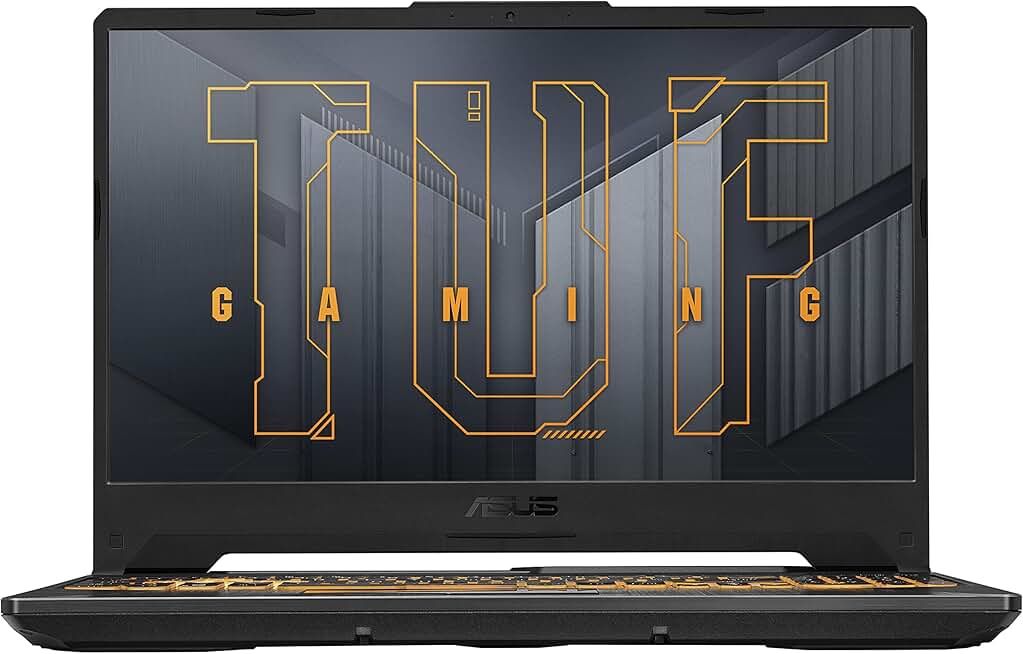
When hunting for the best gaming laptop for Valorant, prioritize these specs:
Display refresh rate is non-negotiable. Aim for 144Hz minimum; 165Hz is better. Response time matters too—3ms or faster keeps your aim responsive. A 15.6" 1080p panel is the sweet spot for Valorant: sharp enough to spot enemies, lightweight enough to carry to LANs.
GPU performance determines your frame rate. An RTX 4050 runs Valorant at 200+ fps on high settings; an RTX 5060 or RTX 5070 gives you headroom for streaming or alt-tabbing without drops. AMD Radeon 680M can work for budget builds, but expect lower sustained performance under heat.
CPU selection matters less for Valorant than for AAA games, but a modern mid-range chip (Intel Core i5-13th gen or newer, Ryzen 5 7000-series) keeps pace. Don't overspend on an i9 unless you're streaming or editing—Valorant won't use it.
RAM and storage: 8GB DDR5 is the minimum; 16GB is safer if you alt-tab or run Discord. An SSD is mandatory—load times and stutters kill your game sense.
Thermals and cooling: Gaming laptops run hot. Look for models with dual fans and vapor chamber cooling (common in ASUS TUF and MSI Katana lines). A throttling laptop will drop frames mid-round.
Weight and portability matter if you're taking your laptop to tournaments or friends' houses. Under 5 lbs is ideal; anything under 6 lbs is reasonable. Check if the power adapter is included—some budget models cut corners there.
Red flags: Integrated graphics only, single-channel RAM (limits upgrade paths), 60Hz displays, and no dedicated cooling vents. Avoid older-gen GPUs (RTX 3050 is aging fast) unless the price is unbeatable.