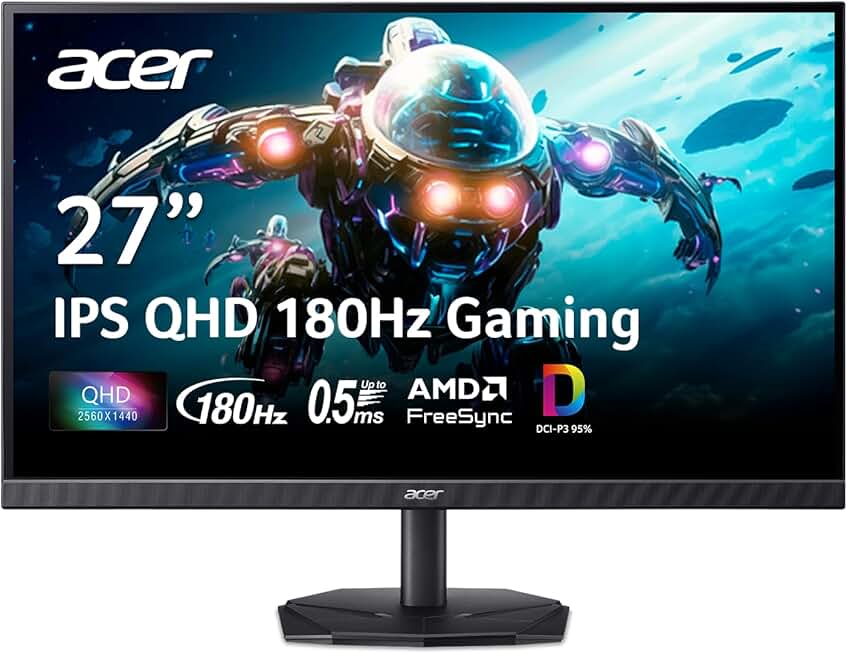
When shopping for gaming monitors for FPS, refresh rate is your first priority. A 144Hz panel is the minimum for competitive play; 165Hz and 180Hz monitors give you smoother visuals and a slight edge in fast-moving scenes. If your GPU can push 240Hz, those higher-end panels are worth the investment.
Response time directly impacts how crisp your crosshair feels. You want 1ms or faster (gray-to-gray or MPRT measurements). Anything slower than 2ms introduces perceptible ghosting that throws off your aim in high-stakes moments.
Panel type matters less for FPS than for single-player games, but here's the trade-off: VA panels (like those in the Acer Nitro KG241Y) offer better contrast and darker blacks, while IPS panels deliver wider viewing angles and more accurate colors. For FPS, VA's snappier response is often the better choice.
Resolution is a balancing act. 1080p (1920×1080) is the competitive standard—easier to run, sharper text, and faster frame rates. 1440p (2560×1440) looks crisper and gives you more screen real estate for spotting enemies, but demands more GPU horsepower. 4K is overkill for FPS unless you have a high-end RTX 4090 setup.
AMD FreeSync (or G-Sync if you're on NVIDIA) eliminates screen tearing and stuttering by syncing your monitor's refresh rate to your GPU's output. It's essential if your frame rates fluctuate.
Size and curve are personal. 24-27 inches is ideal for FPS—large enough to see details without excessive head movement. A 1500R curve wraps your field of view and reduces eye strain during long sessions. Flat panels work fine too; it's a comfort preference.
Finally, check your connectivity. DisplayPort 1.4 is faster and more reliable than HDMI for high refresh rates. Dual DisplayPort or HDMI inputs let you swap between gaming PC and console without unplugging cables.