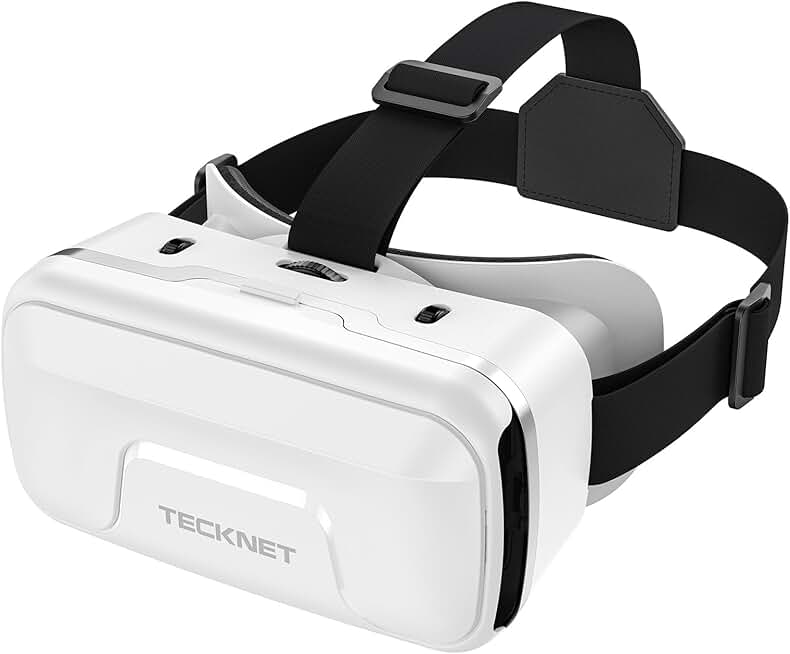
When shopping for VR gear for Roblox, focus on these key factors:
Processing Power & Resolution: Roblox VR runs best on headsets with solid GPU performance and at least 1832×1920 per-eye resolution. Meta Quest devices handle Roblox smoothly; phone-based headsets work but may struggle with complex games.
Refresh Rate & Comfort: 90Hz or higher reduces motion sickness during extended play. Look for adjustable head straps, good padding, and balanced weight distribution—you'll wear this for hours.
Controller Quality: Hand tracking matters in Roblox VR. Ensure controllers have responsive buttons, good grip, and reliable tracking. Some budget headsets use phone-based controls, which limits immersion.
Field of View (FOV): A wider FOV (100°+) makes Roblox worlds feel more natural. Narrow FOV feels claustrophobic during gameplay.
Compatibility & Library: All-in-one headsets like Meta Quest run Roblox natively through the official app. Phone-based headsets require a compatible smartphone and may have performance trade-offs.
Budget Reality Check: Premium all-in-one headsets ($300–$600) deliver the best Roblox experience. Mid-range options ($50–$100) work for casual play. Ultra-budget headsets under $30 are fine for kids or testing VR, but don't expect smooth gameplay.
Red Flags: Avoid headsets with no adjustable lenses, poor ventilation (fogging issues), or outdated processors. If a headset doesn't explicitly support Roblox, performance will suffer.